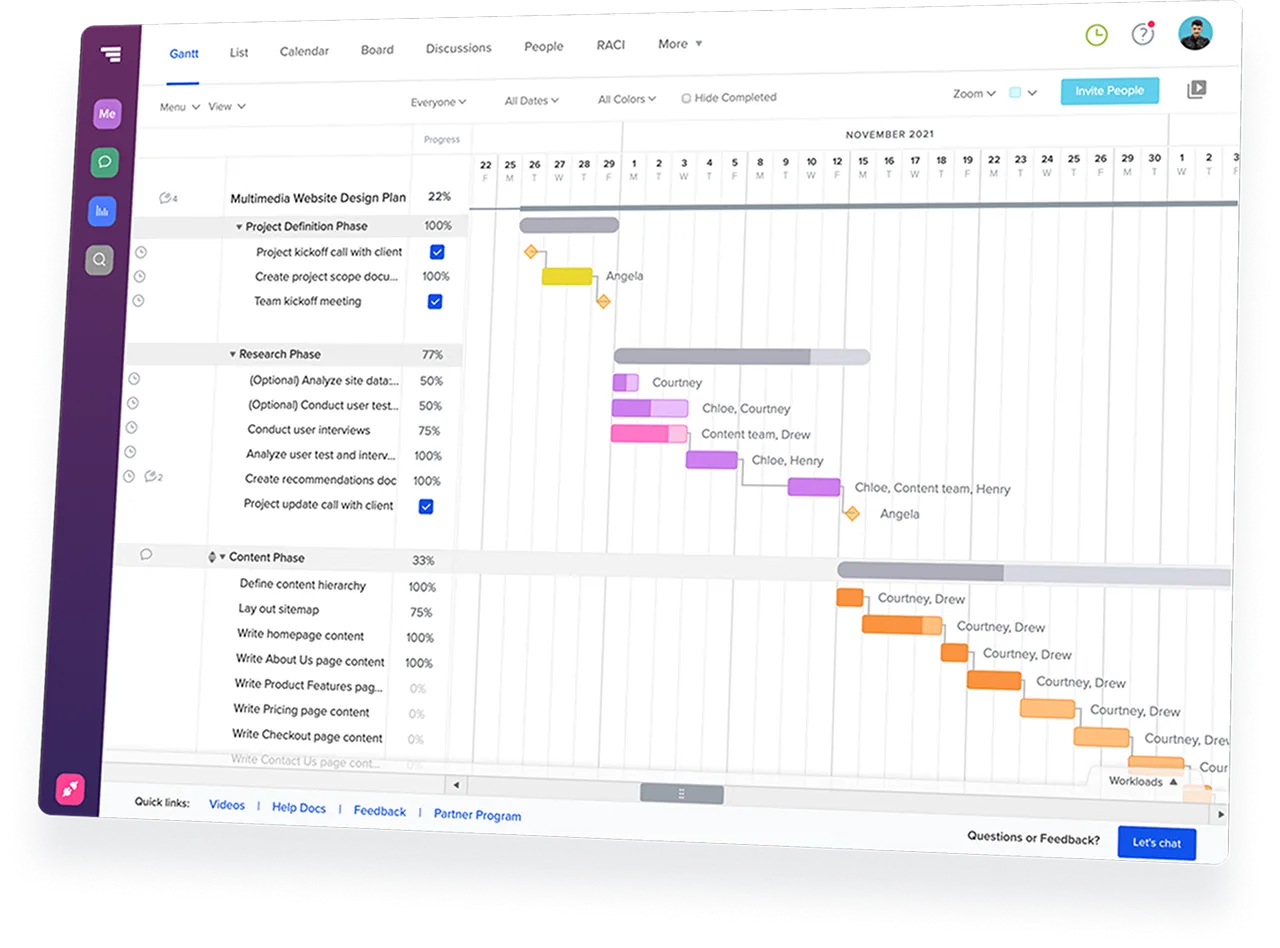


Go from project description to a live construction schedule in 3 simple steps.
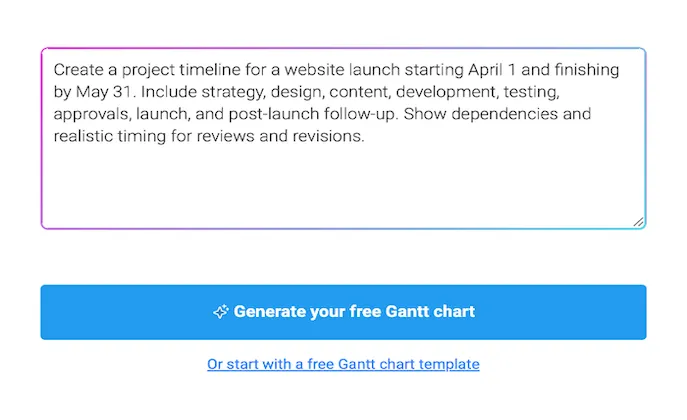
Describe your project in plain language, paste your work breakdown structure, or start with a ready-made prompt.
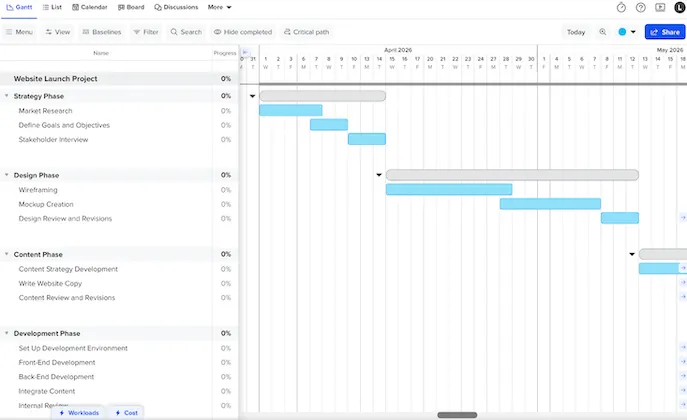
Get a live schedule with phases, tasks, milestones, and dependencies already in place. It’s ready to edit right away.
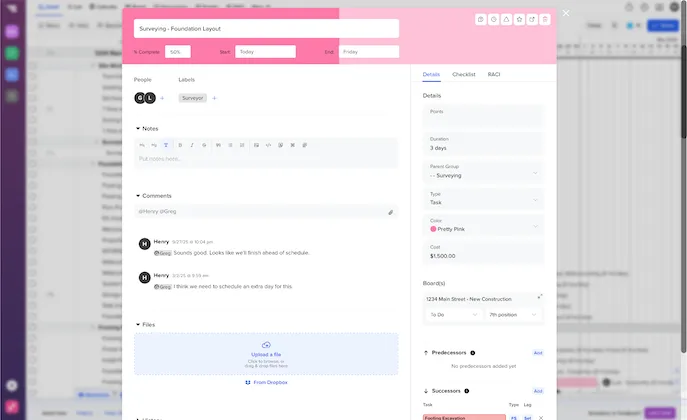
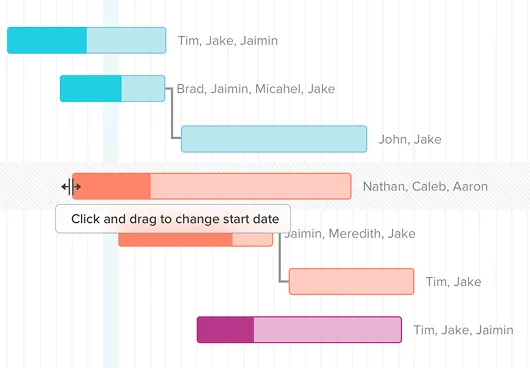
Adjust dates, crews, and handoffs to fit the way you build. Share one live schedule with your team.








TeamGantt syncs with Procore in one click to keep the field and office
aligned.
Import schedules from MS Project and Primavera P6, or
connect with Slack, Dropbox, and Zapier.





Yes. Describe your project in plain language, paste your work breakdown structure (WBS), or start with a ready-made prompt. TeamGantt AI generates a live construction schedule with phases, tasks, milestones, and dependencies already in place. You can then review and customize the schedule to fit your project.
TeamGantt works for residential and commercial construction projects. Create schedules for custom homes, spec homes, additions, kitchen and bathroom remodels, office build-outs, renovations, tenant improvements, punch lists, and more. If you can describe the work, AI can generate a starting schedule.
No. You can download your AI-generated work breakdown structure (WBS) as a CSV file without creating a TeamGantt account.
If you want a live, interactive construction schedule with dependencies, collaboration, and automatic schedule updates, simply sign up for TeamGantt. Your AI-generated project will be waiting for you—ready to edit, manage, and share.
No. If you sign up for TeamGantt, your AI-generated project becomes a live, interactive schedule—not a static timeline. Drag and drop tasks, adjust dates, update dependencies, assign work, and keep the schedule current as your project changes.
Yes. With a free Builder Edition trial, you can share live view-only schedules with subcontractors, clients, and other stakeholders—no TeamGantt account required. Subcontractors can confirm work by email or text, and everyone stays aligned with the latest schedule.
Yes. You can generate a construction schedule and download it as a WBS-formatted CSV without creating an account.
To work with a live, editable schedule, sign up for a free 14-day Builder Edition trial. You'll get access to advanced construction features like client sharing, subcontractor confirmations, crew scheduling, material lead time tracking, cost-loaded scheduling, baselines, and more. A credit card is required to start the trial, and you can cancel anytime.