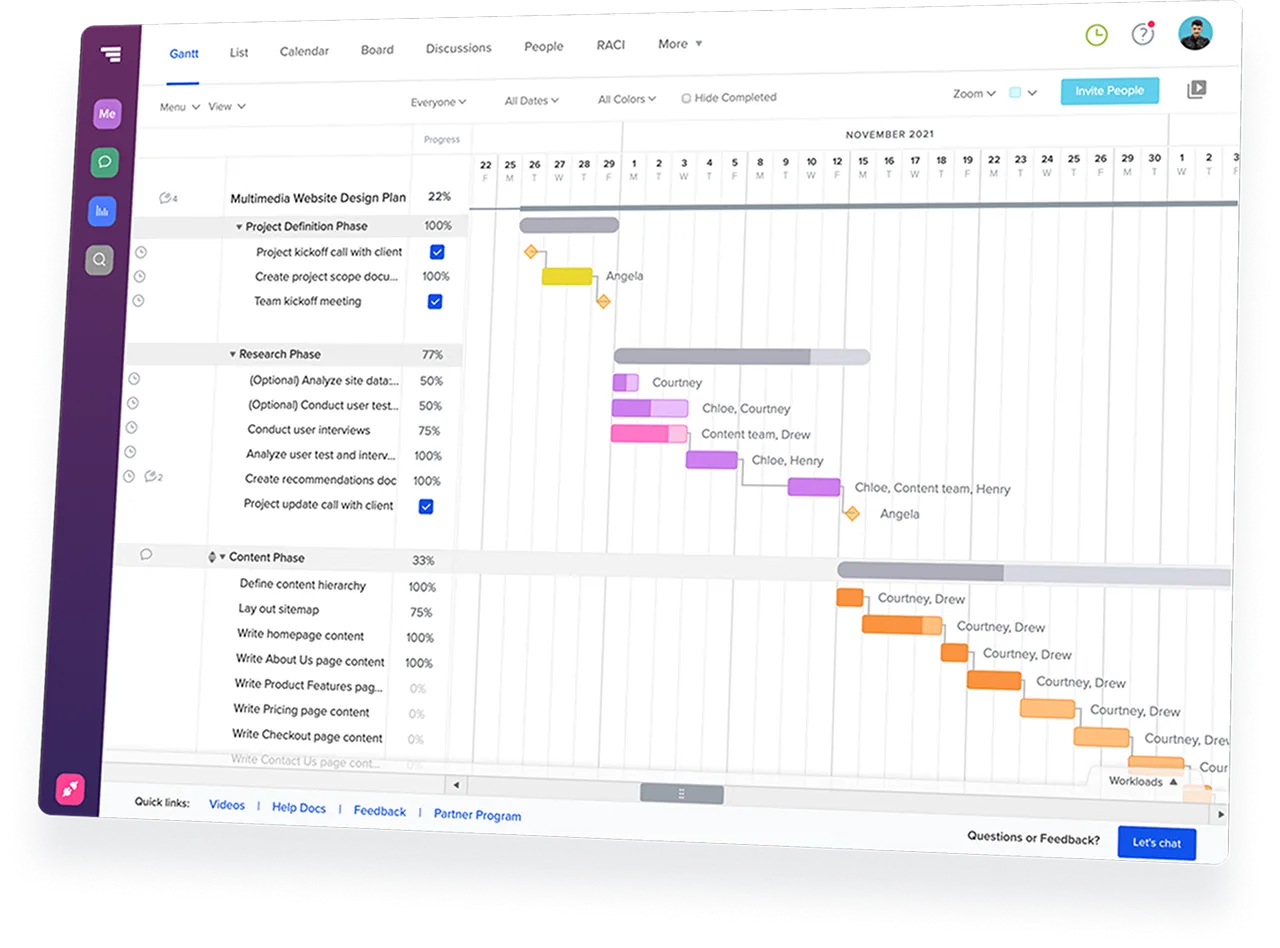
With TeamGantt, you can spend less time managing your project tool and more time keeping the schedule moving.
Start your free 14-day trial







ClickUp brings tasks, docs, chat, AI, dashboards, and project
management into one workspace.
But when deadlines, dependencies,
and handoffs drive the work, a broad work OS can add friction to the
scheduling process.








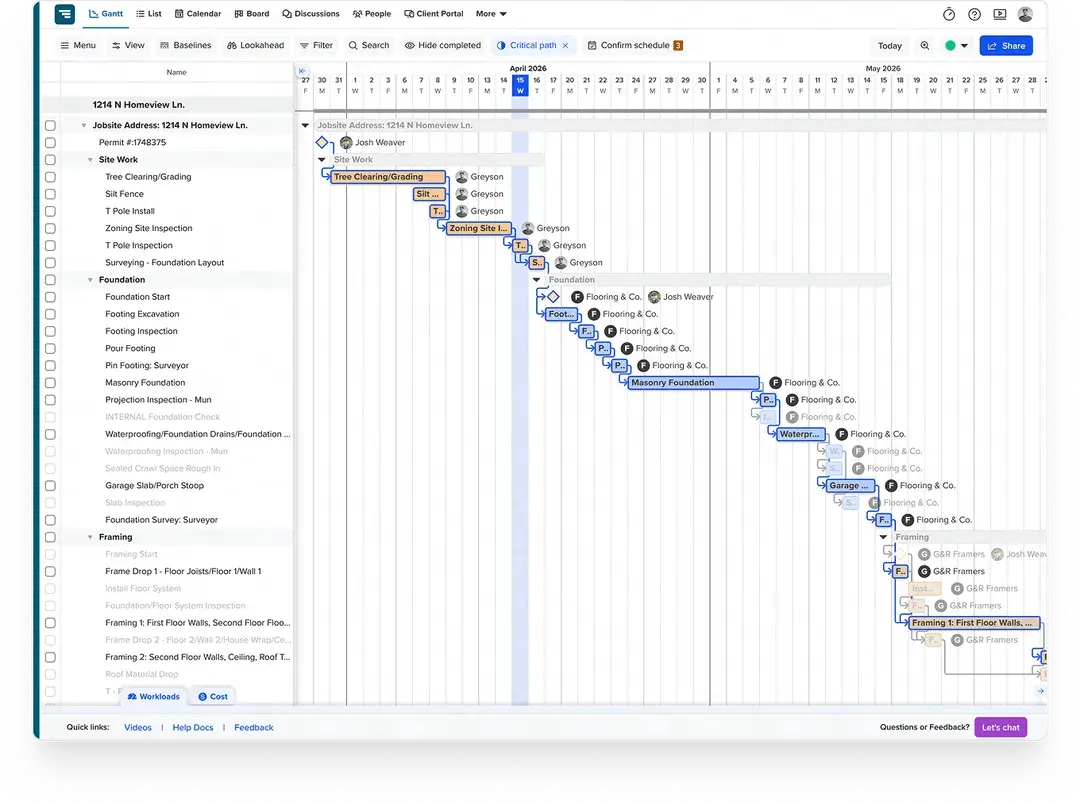
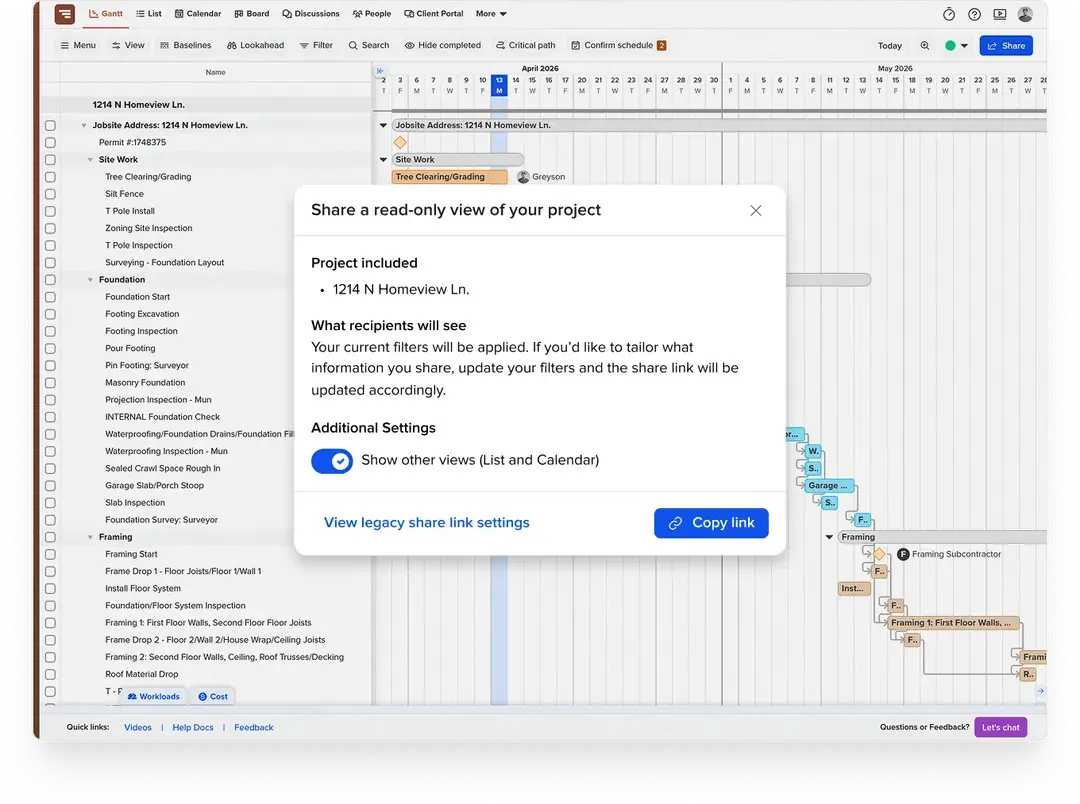
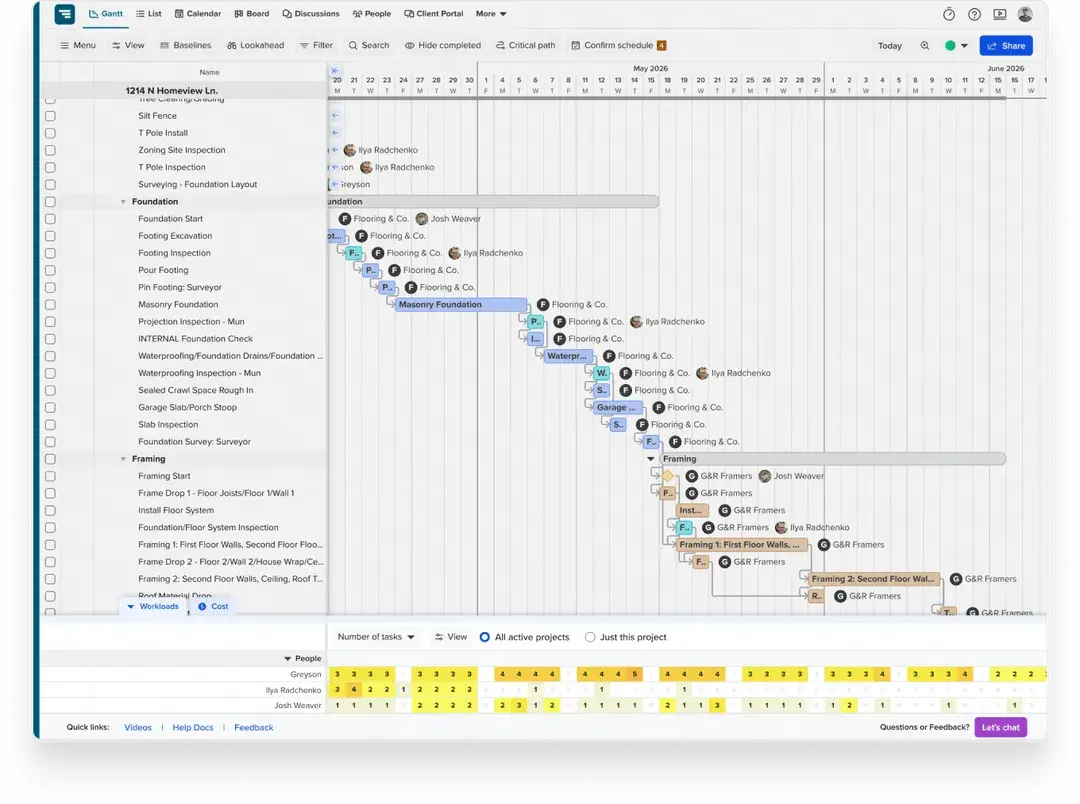
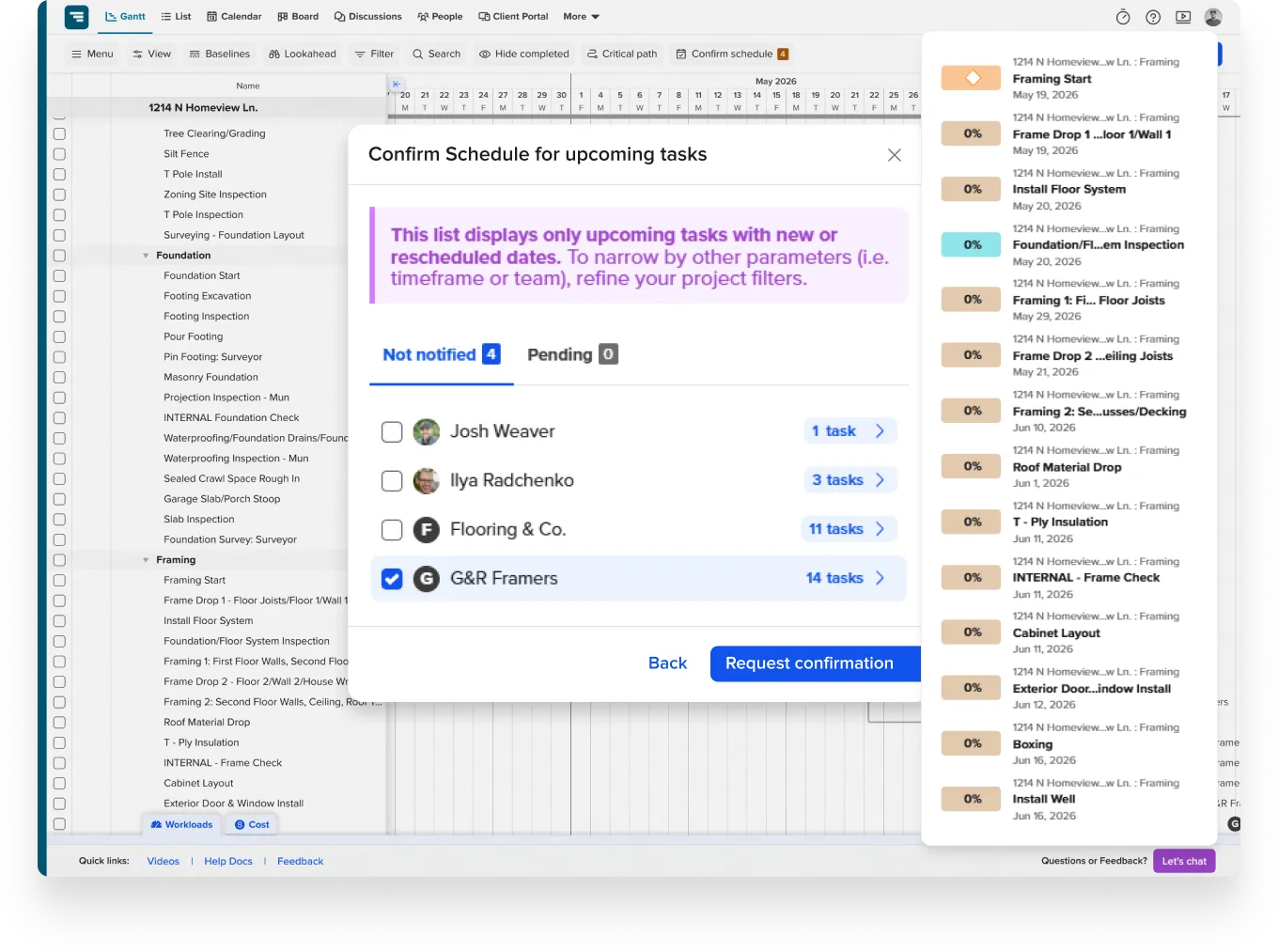
TeamGantt keeps timelines, handoffs, and workload visible without making teams manage more software than they need.

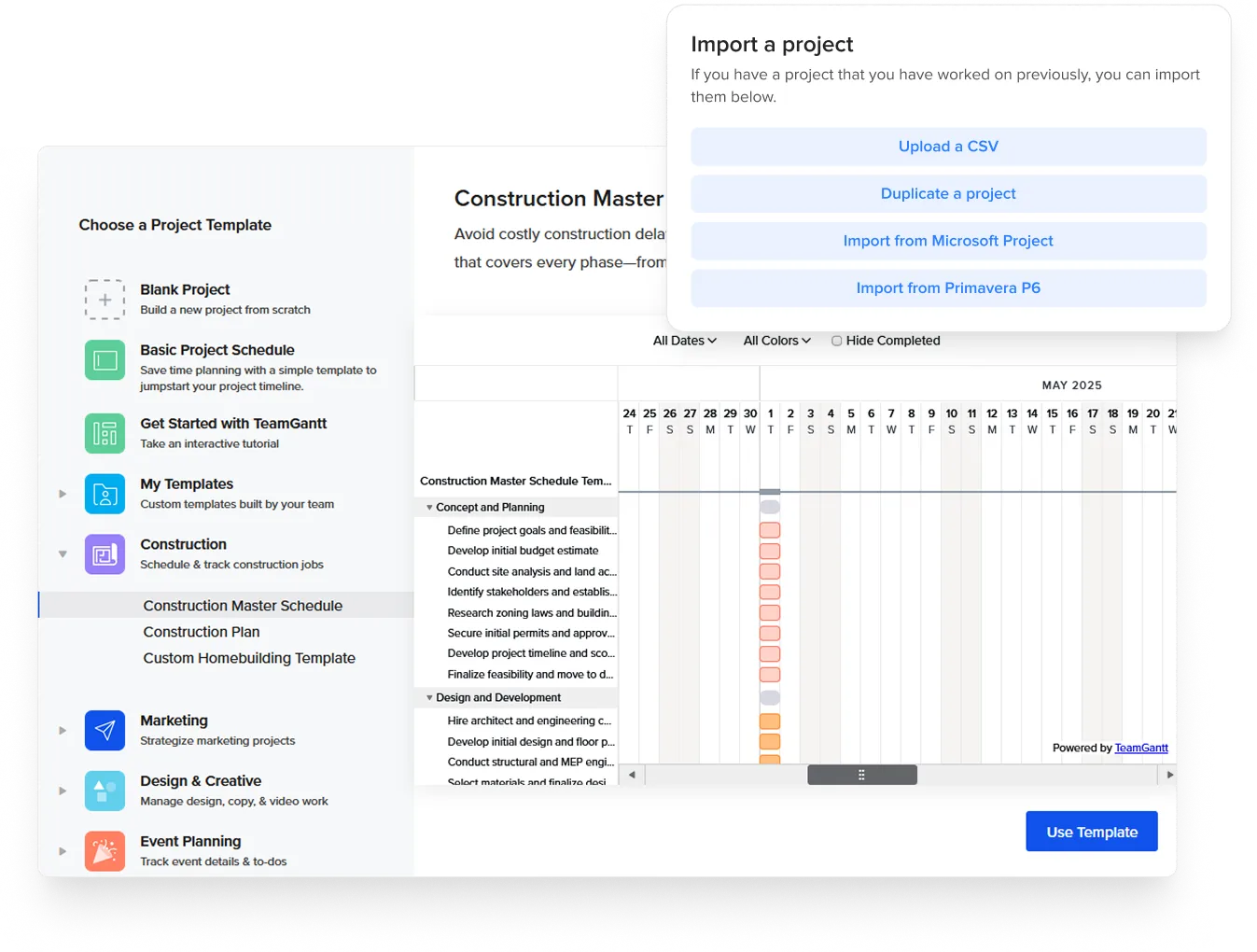
TeamGantt integrates with tools you already use—including Trello,
Microsoft Project, Procore, Google Calendar, Dropbox, Slack, and
Zapier.
Import an existing schedule, sync your calendar, or connect
your workflow tools without a lengthy setup.
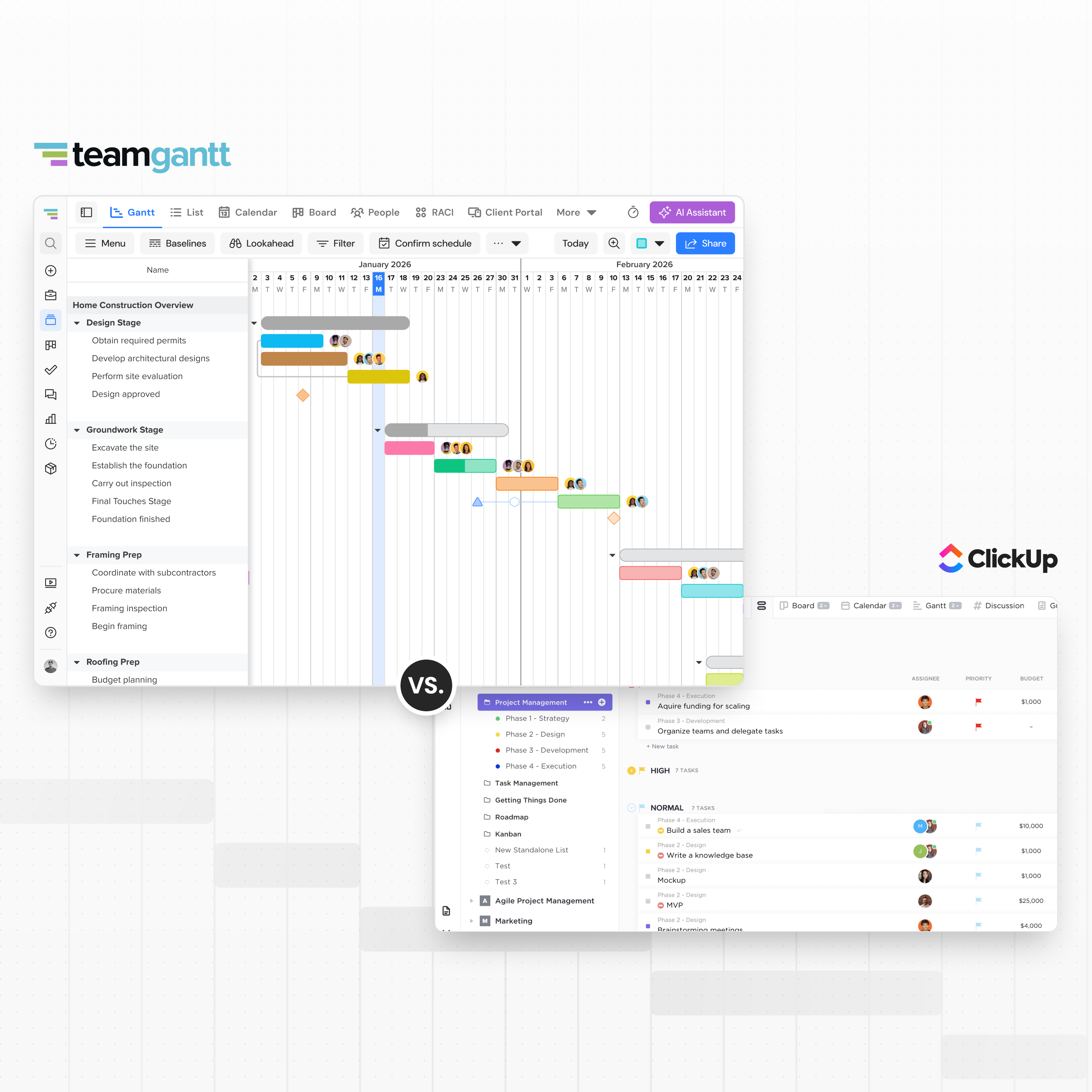
TeamGantt and ClickUp can both help teams organize project work, but
they solve different planning problems.
Here’s how they compare
on the decisions that matter most for schedule-driven teams.


Use this checklist to choose the tool that fits the way your team plans, tracks, and updates project work.



ClickUp gives teams one workspace for tasks, docs, chat, AI, dashboards, automations, and other kinds of work. TeamGantt gives teams a clearer way to build, update, and share project schedules.
If deadlines, dependencies, and handoffs drive the work, TeamGantt keeps the schedule front and center.
ClickUp is a better fit if your team needs one workspace for many types of work, including docs, chat, whiteboards, AI agents, automations, dashboards, or CRM-style workflows.
TeamGantt is more focused. It’s built for teams whose biggest challenge is keeping projects on schedule with clear timelines, dependencies, workload visibility, and stakeholder sharing.
If scheduling is only one small part of what you need, ClickUp may cover more ground.
Most teams can get started quickly, but there’s no one-click migration from ClickUp.
You can build a new schedule from scratch, start with a template, use TeamGantt’s AI project plan generator, or import schedules from supported formats like Microsoft Project.
If you’re using Builder Edition, personalized onboarding is included to help your team start scheduling in the first session.
No. TeamGantt lets you share a live, view-only schedule without requiring an account. You can filter what each person sees before sharing, and updates appear automatically when the schedule changes.
No passwords, app installs, or extra logins required.
No. Some teams keep ClickUp for tasks, docs, and internal workflows while using TeamGantt as the shared project schedule.
That can work well if ClickUp already runs part of your business, but your team needs clearer timelines, dependencies, workload planning, or an easier way to share the schedule with stakeholders.
Zapier can connect basic workflows, but there’s no direct TeamGantt-ClickUp integration.