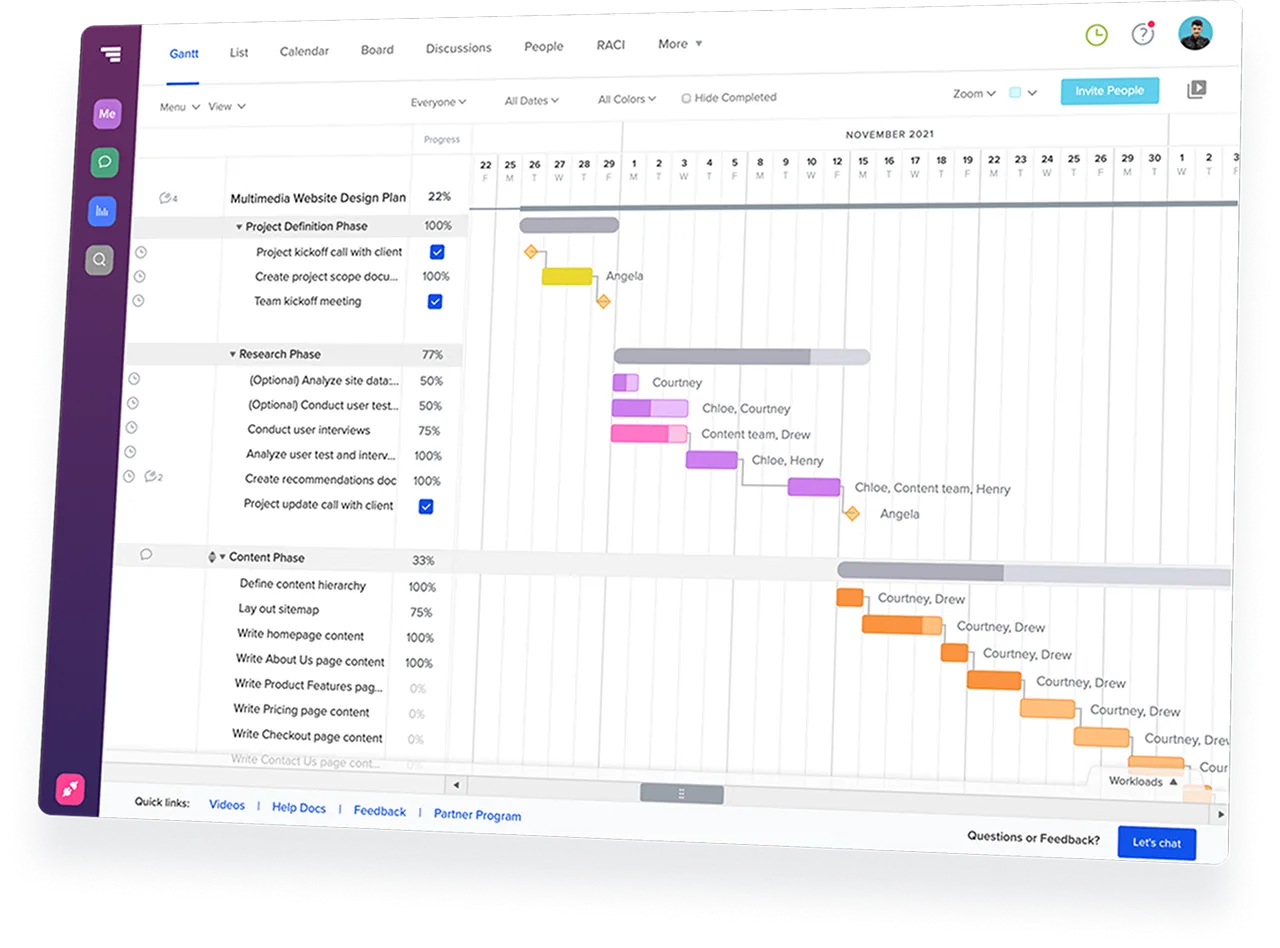













Full construction management platforms like Procore or Buildertrend can feel too complex or expensive. TeamGantt focuses on the schedule—not trying to do it all. Get the scheduling power you need without extra overhead.

Keep QuickBooks for accounting, ServiceTitan or Jobber for dispatch, and TeamGantt for project schedules that stretch across weeks. Each tool has a clear job, so you don’t have to force everything into one system.
Crews can check tasks, update progress, and upload photos from TeamGantt’s mobile app without learning a heavy construction platform. Jobsite updates get to the schedule faster, so you’re not chasing answers from the field.
TeamGantt Builder Edition is $199/month with unlimited users and 10 projects. Add everyone who needs the schedule without watching the headcount. Running more than 10 jobs at once? We can help you find the right fit.

Trade contractor scheduling software helps specialty contractors plan, adjust, and coordinate work across multiple active jobs.
For HVAC, electrical, plumbing, carpentry, drywall, roofing, and similar trades, that usually means lining up crews, materials, GC schedule changes, and jobsite updates from one shared schedule. It replaces the whiteboard-and-text approach with a live plan that updates as work shifts.
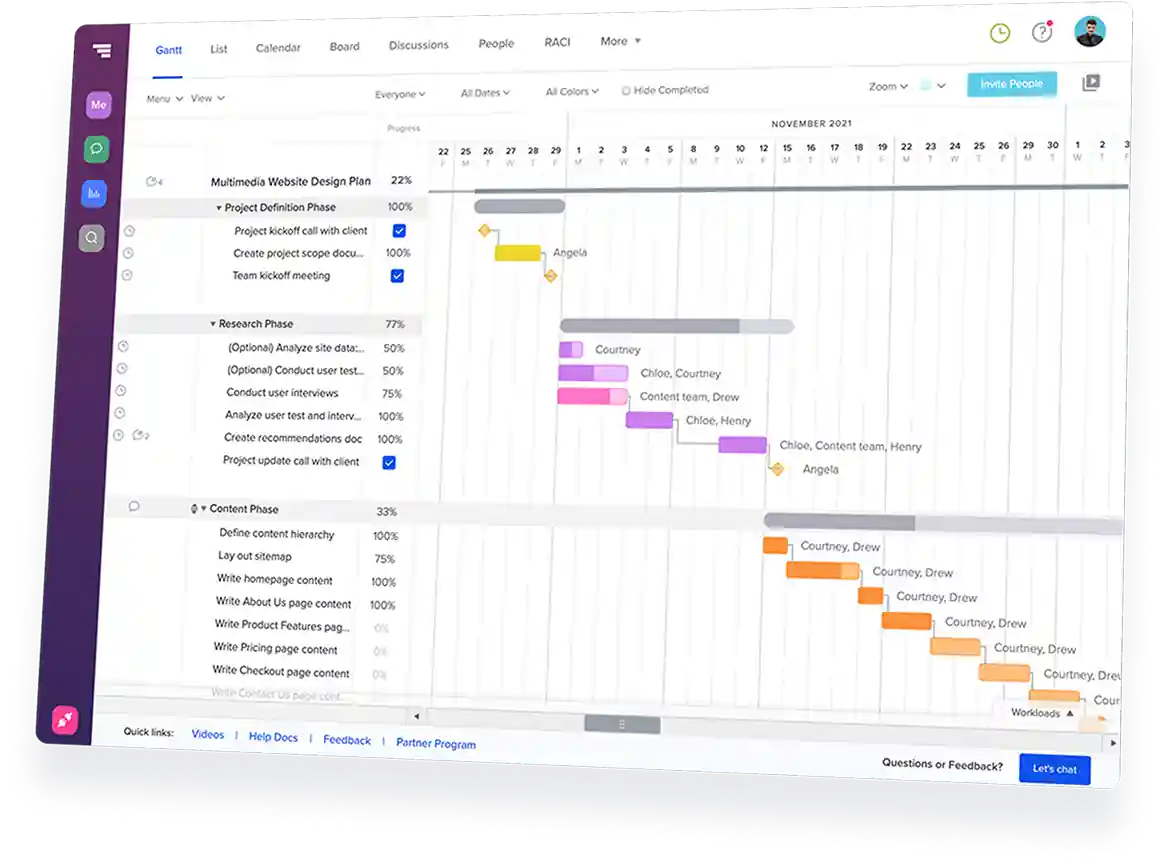
TeamGantt helps specialty contractors keep crews, materials, and job schedules aligned from one live plan.
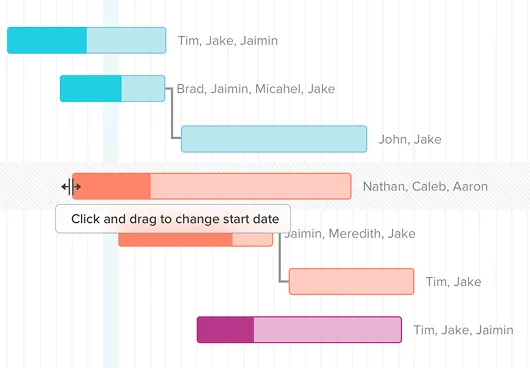
You can see workload across active jobs, adjust dates when the GC moves a milestone, track material lead times against install tasks, and collect field updates from the jobsite. TeamGantt also fits alongside tools like QuickBooks, ServiceTitan, and Jobber, so you can keep accounting and dispatch where they already work.
TeamGantt focuses on scheduling instead of trying to be a full construction management platform.
Tools like Procore can be a good fit for large GCs, but specialty contractors often need a lighter way to plan jobs, adjust dates, and keep the field aligned. Crews can check tasks, update progress, and upload photos from the mobile app without learning a heavy platform.
Yes. Crew leads and trade partners can see shared TeamGantt schedule links without creating an account.
You can send a live, view-only link filtered to the work they need to see, so they can check the latest dates without another login or password. When the schedule changes, they can reopen the same link to see the updated plan.
TeamGantt is worth considering when spreadsheets and text threads stop giving you enough visibility across active jobs.
Excel and WhatsApp may work when you only have a few jobs and everyone knows the plan. But as crews, materials, and dates start overlapping, the schedule can get stale fast.
TeamGantt gives you a live schedule where dependent work stays connected, field updates have a place to go, and material timing stays tied to the plan.
TeamGantt works best when your team is ready to maintain one shared schedule. If you’re running fewer than five jobs and one thread still works, you may not need it yet.
ServiceTitan and Jobber are built for dispatch. TeamGantt is built for project schedules that stretch across weeks.
Use your dispatch tool for service calls, routing, and same-day work. Use TeamGantt for rough-ins, installs, remodels, and other multi-phase jobs where crews, materials, and deadlines need to line up over time.
The tools can coexist because they solve different scheduling problems.