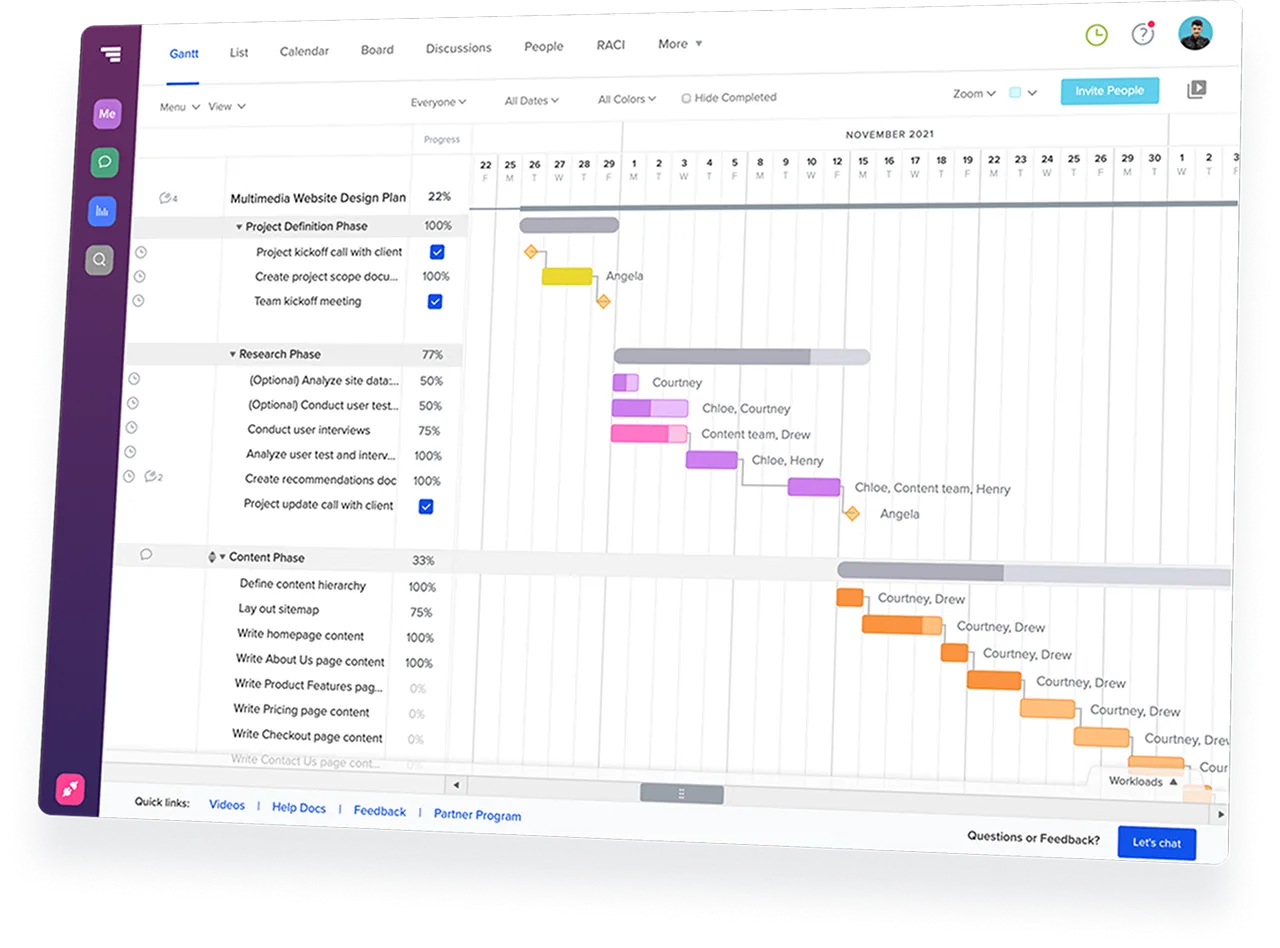
TeamGantt turns tasks, timelines, and handoffs into a shared schedule that's easy for your team to act on when plans change.
Start your free 14-day trial







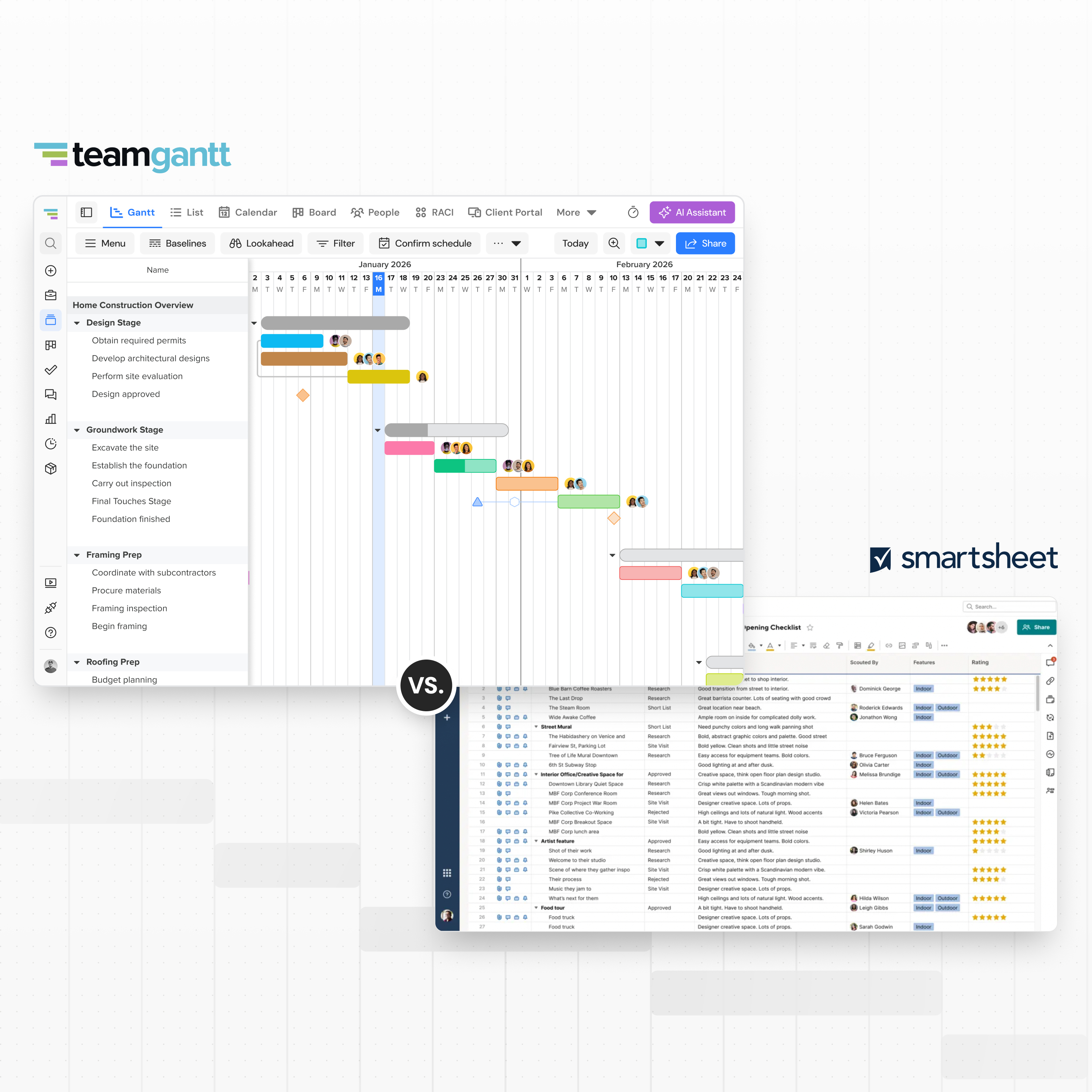
Smartsheet is flexible for organizing project work.But if the schedule
is your source of truth, keeping timelines clear
can take extra
setupand licensing can get harder to predict as more people need to
edit work.








Smartsheet can track tasks, dates, and details in a flexible grid.
TeamGantt
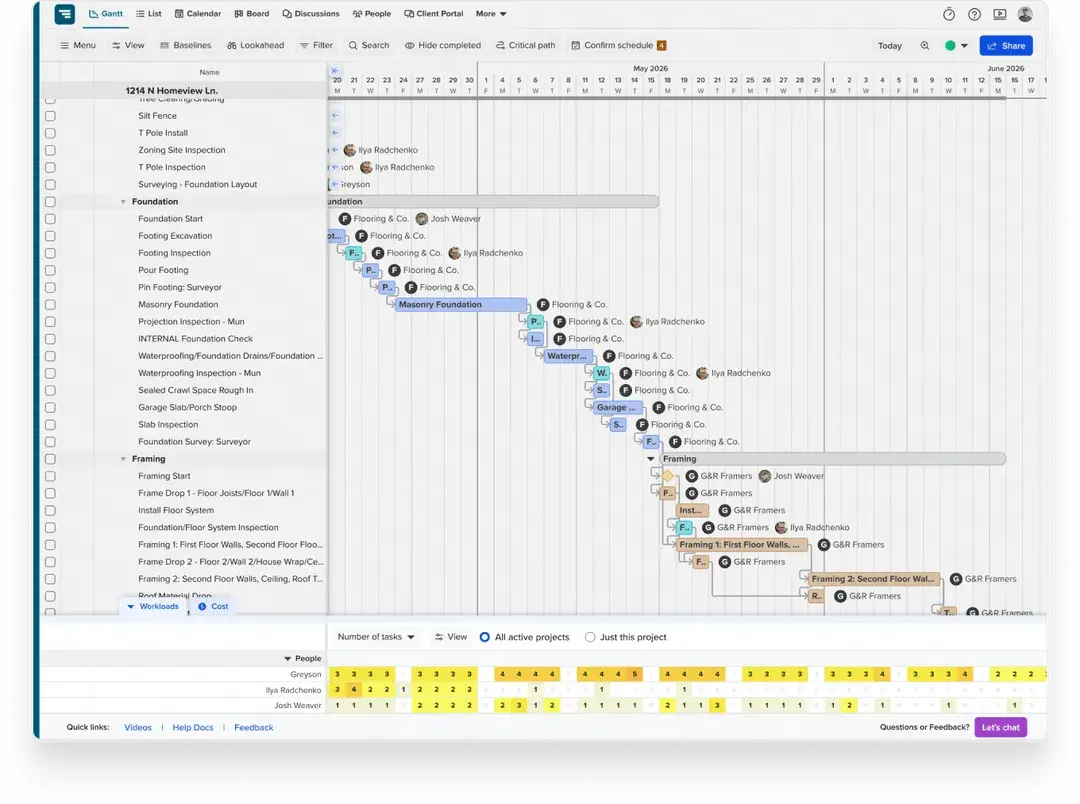
keeps your timeline visual and easier to update when work shifts.

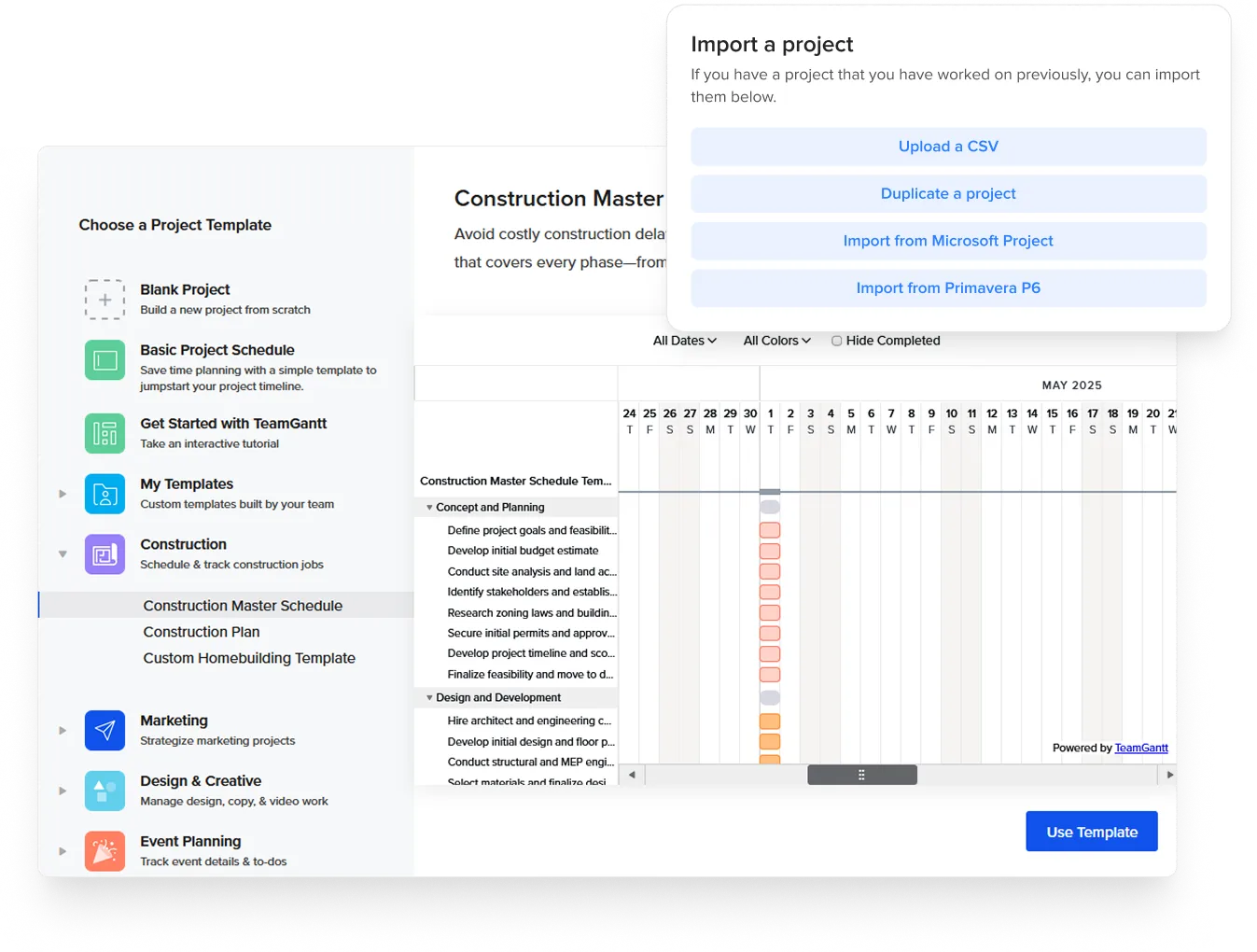
TeamGantt integrates with tools you already use—including Trello,
Microsoft Project, Procore, Excel, Google Calendar, Dropbox, Slack, and
Zapier.
Import an existing schedule, sync your calendar, or connect
your workflow tools without a lengthy setup.
TeamGantt starts with a visual schedule, while Smartsheet starts with
a flexible worksheet you can adapt for different workflows.
Here’s
how they compare on the decisions that matter most for schedule-driven
teams.


Use this checklist to choose the tool that fits the way your team plans, tracks, and updates project work.


It depends on what you use Smartsheet for. Many Smartsheet alternatives are broad work-management platforms. TeamGantt takes a different approach: It’s designed for teams that manage work through a project schedule.
If your primary need is visual, schedule-driven project management with Gantt charts, TeamGantt helps keep project schedules visible and up-to-date.
If you use Smartsheet as a general-purpose work management platform with heavy automation, formulas, dashboards, and broader workflows, TeamGantt may feel too specialized.
Smartsheet offers advanced automation rules, conditional formatting, complex formula logic, governance features, and a broader ecosystem of enterprise integrations.
It also has AI-powered features and can serve as a general work management platform for processes beyond project scheduling, such as intake, approvals, reporting, CRM tracking, HR workflows, and operations.
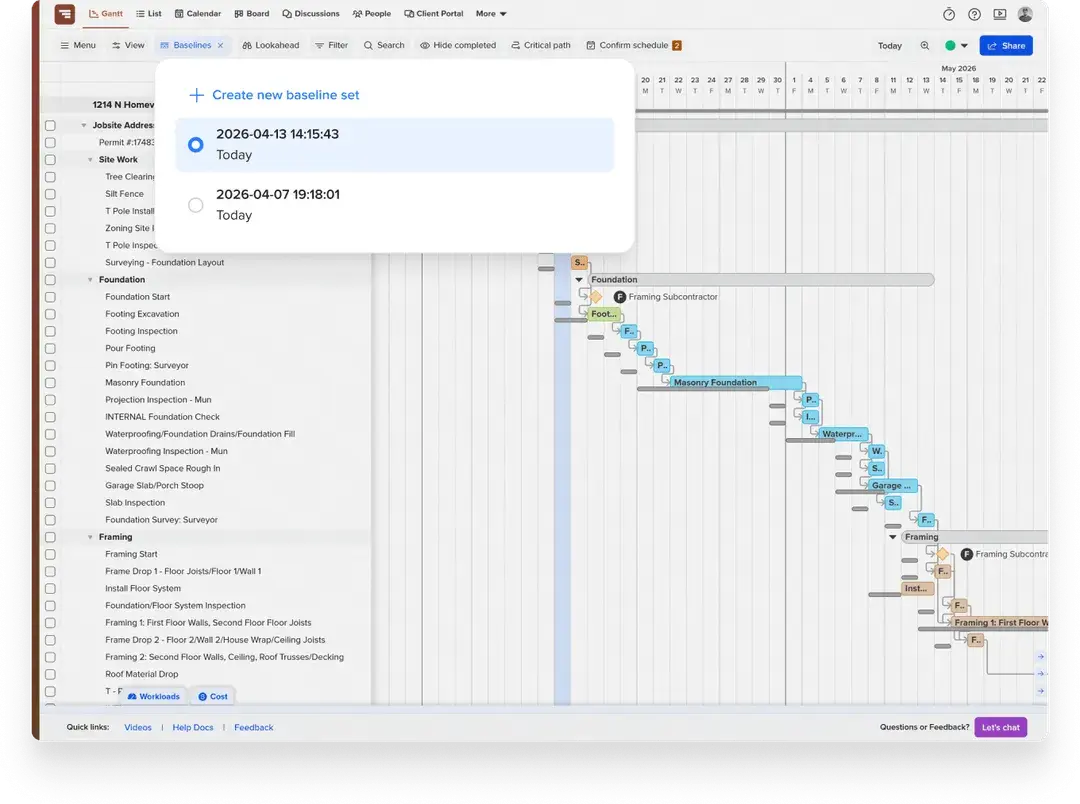
TeamGantt is purpose-built for schedule-driven project management. Gantt charts, dependencies, milestones, baselines, and workload planning are built into the scheduling experience rather than added on top of a worksheet. That gives teams a shorter learning curve when building, updating, and sharing schedules quickly.
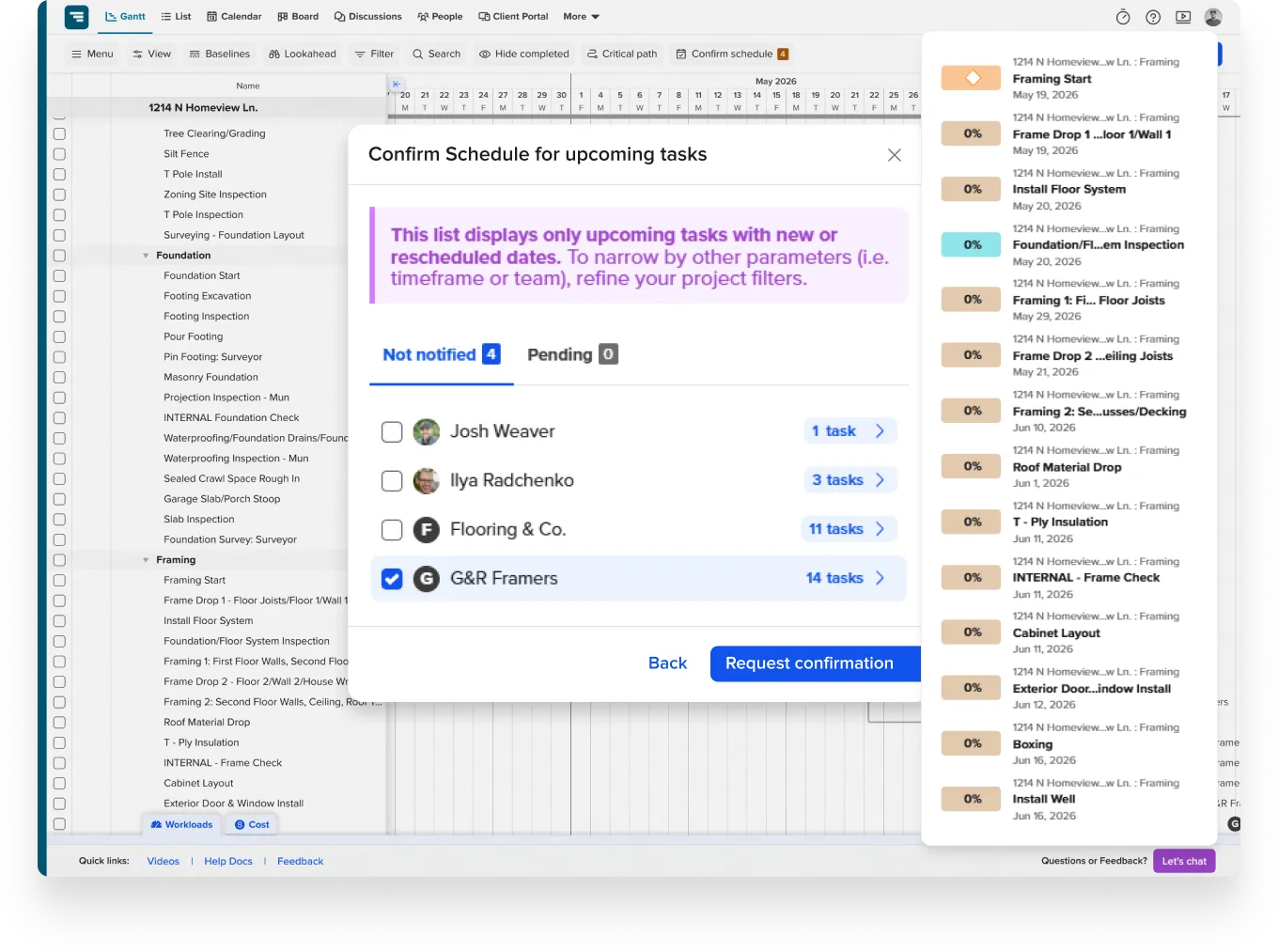
For construction teams, TeamGantt adds schedule-specific workflows for subcontractor confirmations, material lead times, lookahead planning, client visibility, and automatic schedule updates to Procore.
TeamGantt is powerful for schedule-driven project management, while Smartsheet is powerful for configurable work management.
The better fit depends on whether your team needs broad workflow customization or clearer schedule control.
Yes. TeamGantt paid plans include collaborator access for people who need to view tasks, comment, upload files, or log time without managing project settings or schedules.
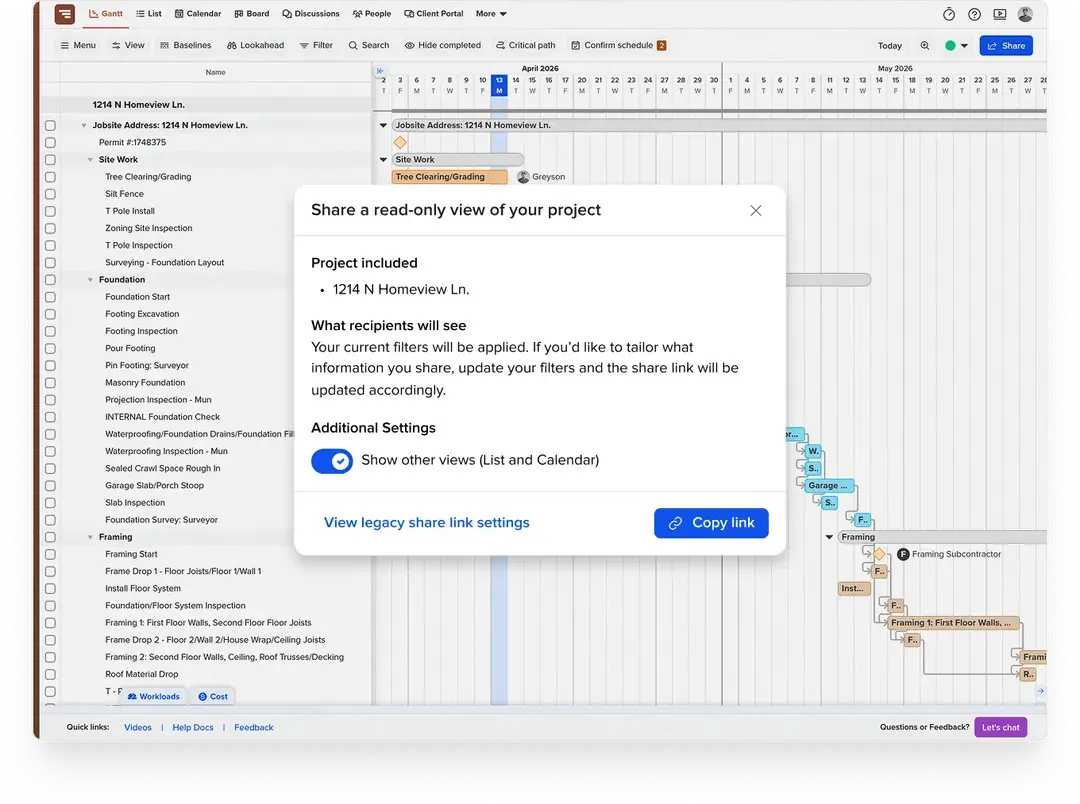
You can also share view-only project links with clients, subcontractors, or stakeholders who only need schedule visibility. That makes it easier to keep outside partners informed without adding paid seats for everyone who needs to see the plan.
You can export your Smartsheet project as a CSV and import it into TeamGantt. Tasks, dates, and assignments can carry over with the import. You may need to reconnect dependencies in TeamGantt, depending on how your Smartsheet schedule was built.
Automations, dashboards, and reports won’t transfer, so teams that rely on those workflows may want to keep Smartsheet for that part of the business.
Yes. Some teams use Smartsheet for dashboards, approvals, intake forms, or company-wide reporting while using TeamGantt to manage the project schedule.
There’s no native integration between the two, but you can move schedule data with CSV exports and imports.