

Trusted by 2,000,000+ users worldwide

Free gantt chart templates for Excel, Google, and TeamGantt

Use TeamGantt's free Gantt chart template
Used by teams at

Quick-start templates to speed up planning

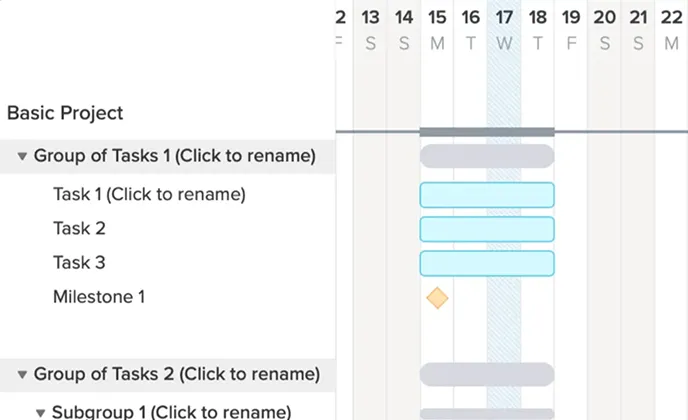
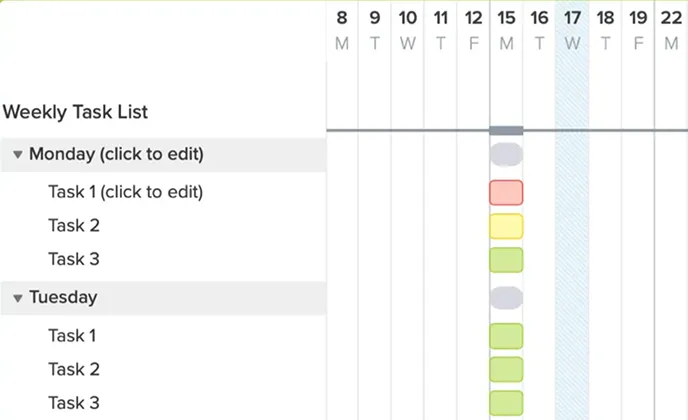
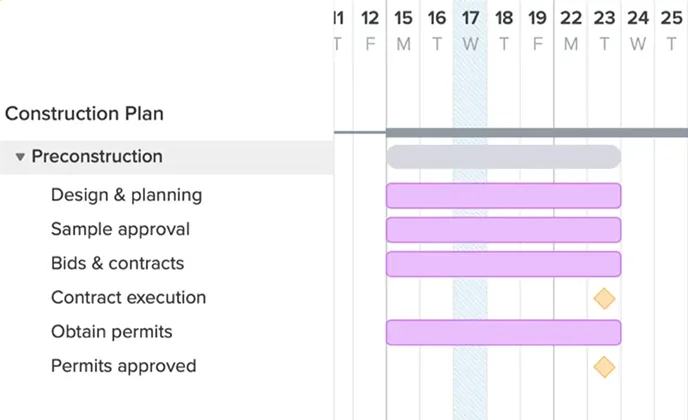
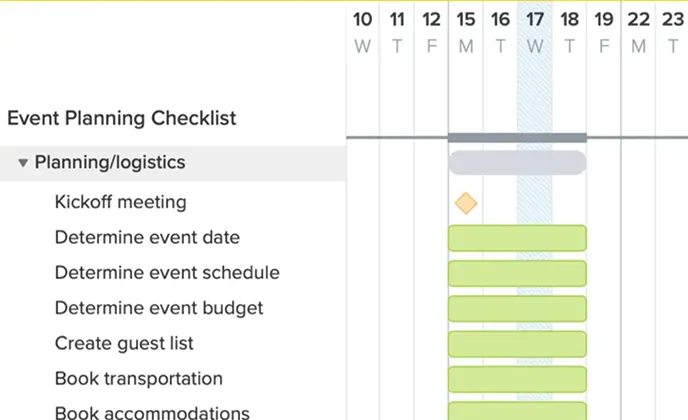
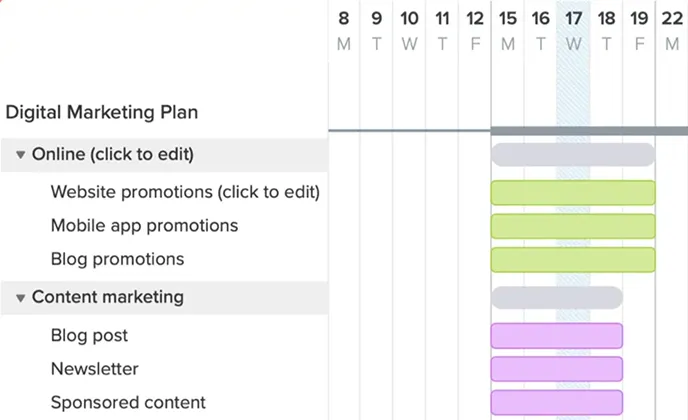
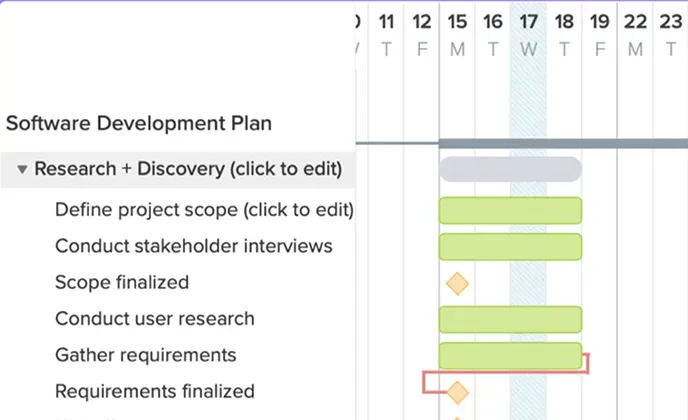
Skip manual setup with free Gantt chart templates for Excel, Google Sheets, or TeamGantt.

Gantt chart templates built for your team

Get started fast with ready-made templates designed for the way your team works.

Why teams choose TeamGantt

Tailor templates fast
Use prebuilt templates designed for real-world projects and adapt them to your team.
Build visual timelines
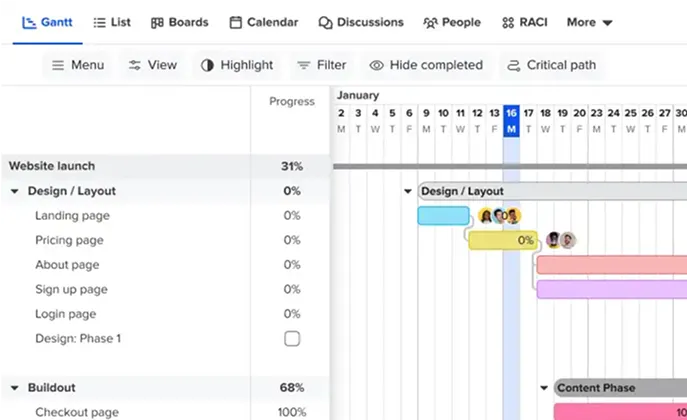
Create Gantt charts quickly with simple, drag-and-drop scheduling.
Adapt workflows instantly
Switch between Gantt charts, Kanban boards, and other views to fit your process.
Share updates easily
Send project updates instantly with shareable links, or export charts as PDFs.

Create a Gantt chart template in 3 steps

STEP 1

Build your project in TeamGantt

Add tasks, set timelines, and map dependencies.
STEP 2

Save your project as a template

Click Menu > Save as Template from Gantt view.
STEP 3

Apply your template to any TeamGantt project

Choose your template when creating a new project.
Make a free Gantt chart
Trusted by 2,000,000+ users worldwide

Customer reviews, real results

Gantt chart template FAQs

Need more info?
Check out TeamGantt’s support library for all the details.
Browse our help center

Are TeamGantt templates free?

Yes. You can use TeamGantt’s ready-made templates and customize them for your project—no credit card required to get started. Plan features vary, so check pricing for details.

What should a good Gantt chart template include?

A good Gantt chart template should help you plan fast—and make updates without breaking the schedule. Look for:

Must-haves:

  • Clear phases (groups) and a logical task order
  • Task owners (people or roles)
  • Start/end dates or durations that are easy to adjust
  • Milestones for key handoffs and approvals
  • Dependencies for work that can’t start until something else finishes

Nice-to-haves:

  • Built-in buffer time for reviews, approvals, or lead times
  • Placeholder tasks for recurring work (check-ins, sign-offs)
  • Notes/prompts on key tasks (inputs needed, definition of done)

How do I make a Gantt chart template in TeamGantt?

Open the project you want to templatize, then click Menu > Save as Template. You can use it to jumpstart any similar project in the future.

Can I share my TeamGantt template with teammates?

Yes—templates can be shared with teammates in the same TeamGantt account. Save any project as a template, and your team can use it to start new projects with the same structure and schedule whenever they need it. 

Sharing and collaboration options vary by plan. See pricing for details.

Is there a Gantt chart template in Excel?

Excel’s template gallery does include a few simple project-timeline files, but none are fully-featured, interactive Gantt charts. If you want a true Gantt that’s ready to use, download TeamGantt’s free Excel template and add your tasks and dates.

How do I create a Gantt chart template in Excel?

Create your Gantt chart in Excel, then save it as a reusable template:

  1. Click FileSave as Template.
  2. Choose Excel Template (*.xltx) for the file format.
  3. Name the file and click Save. The next time you need it, open the .xltx file to start a new Gantt chart with the same layout.

Want to skip the setup? Download our free Excel Gantt chart template and plug in your project data.

Is there a Gantt chart template in Google Sheets?

Google Sheets doesn’t include a built-in Gantt chart template by default. But you can make a copy of a free template or build your own in Sheets and keep a master version—then use File → Make a copy whenever you start a new project.

How do I make a Gantt chart template in Google Sheets?

In Google Sheets, the easiest way to reuse a Gantt chart is to make a copy of your file:

  1. Click FileMake a copy.
  2. Name the copy and save it in your Google Drive.
  3. Keep that copy as your master template, then make a new copy whenever you need a new project.

Want to skip the setup?Make a copy of our free Google Sheets Gantt chart template.

Plan faster and smarter with TeamGantt

Save time. Stay organized. Keep everyone aligned.
Try TeamGantt for free
Used by teams at