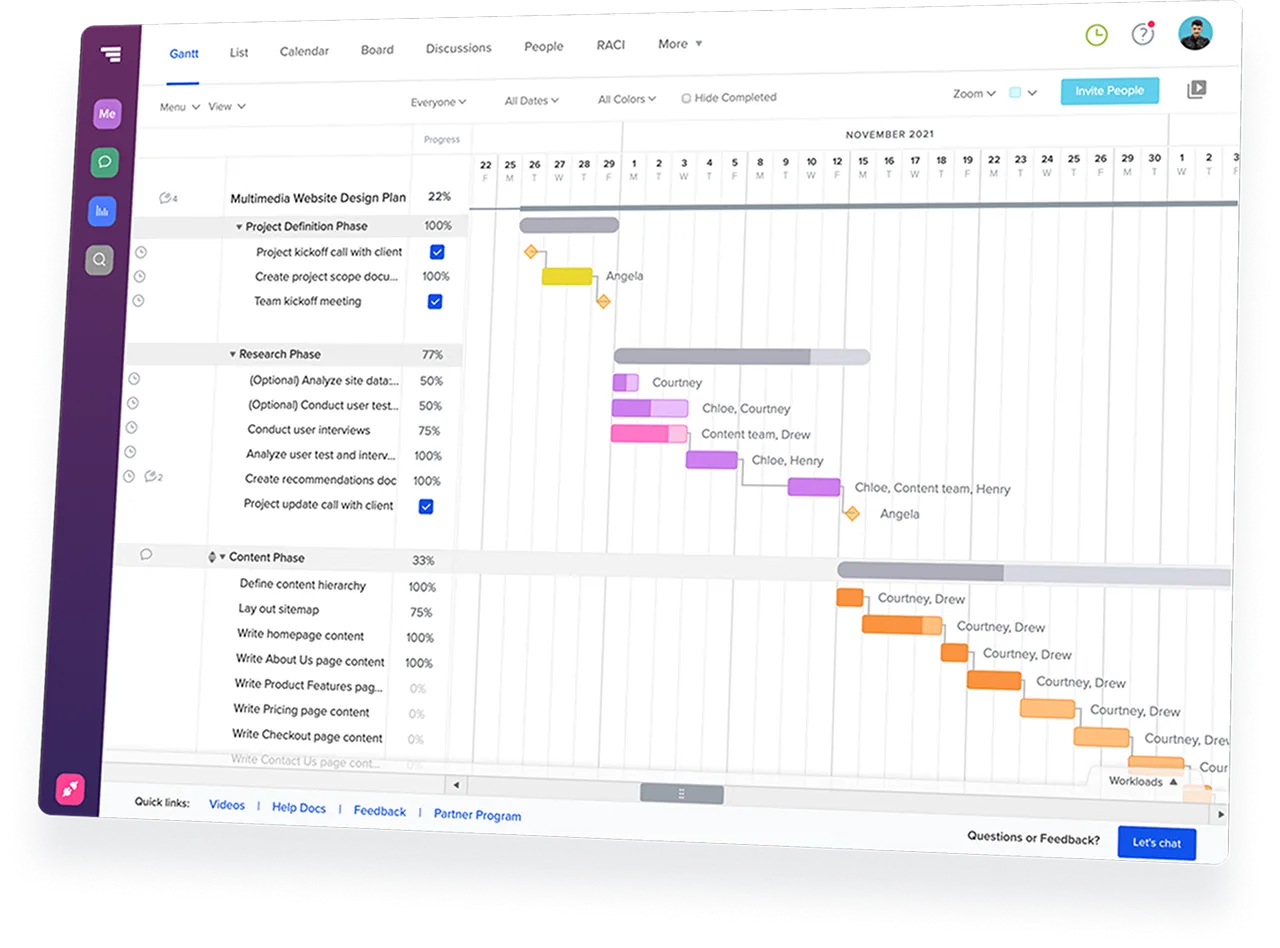
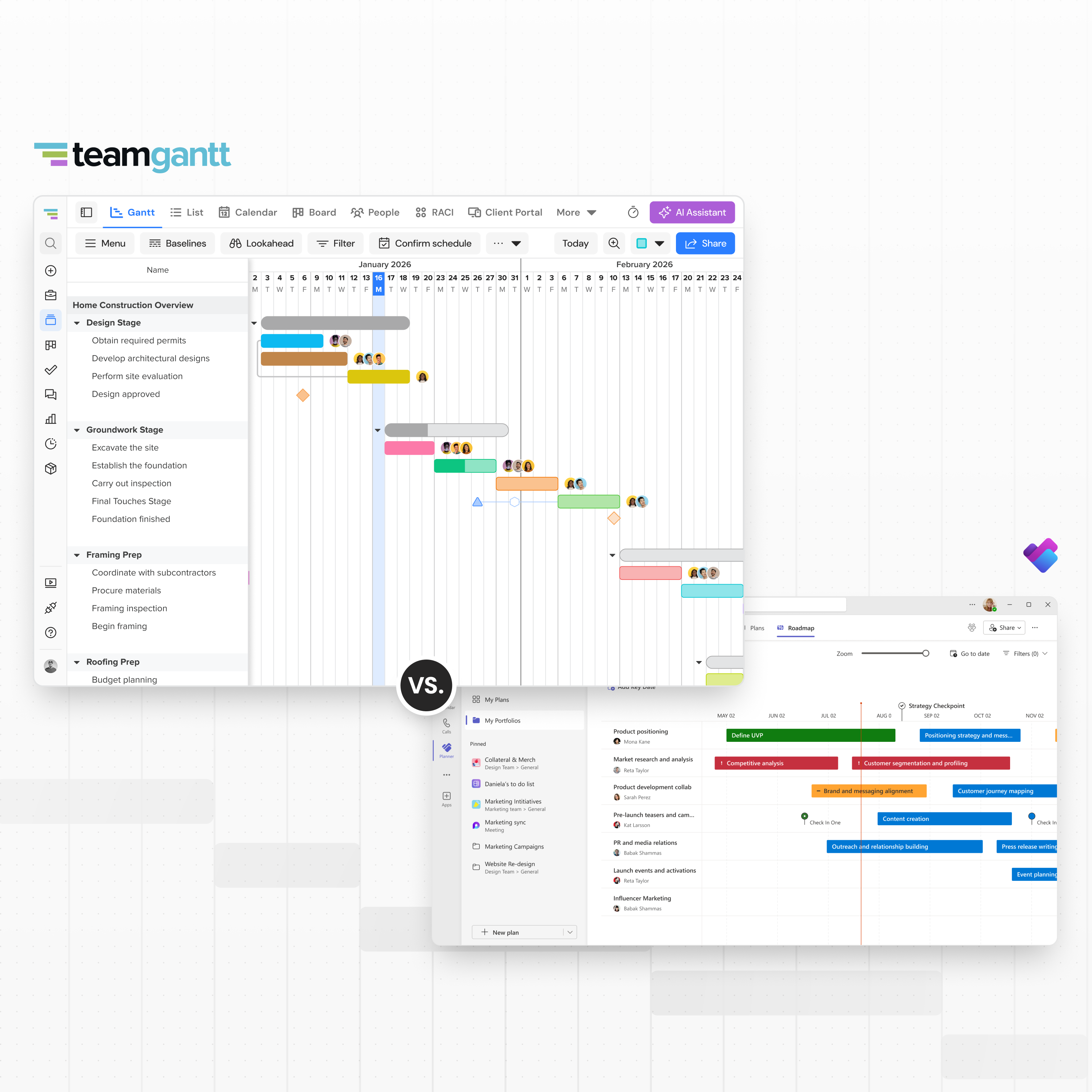
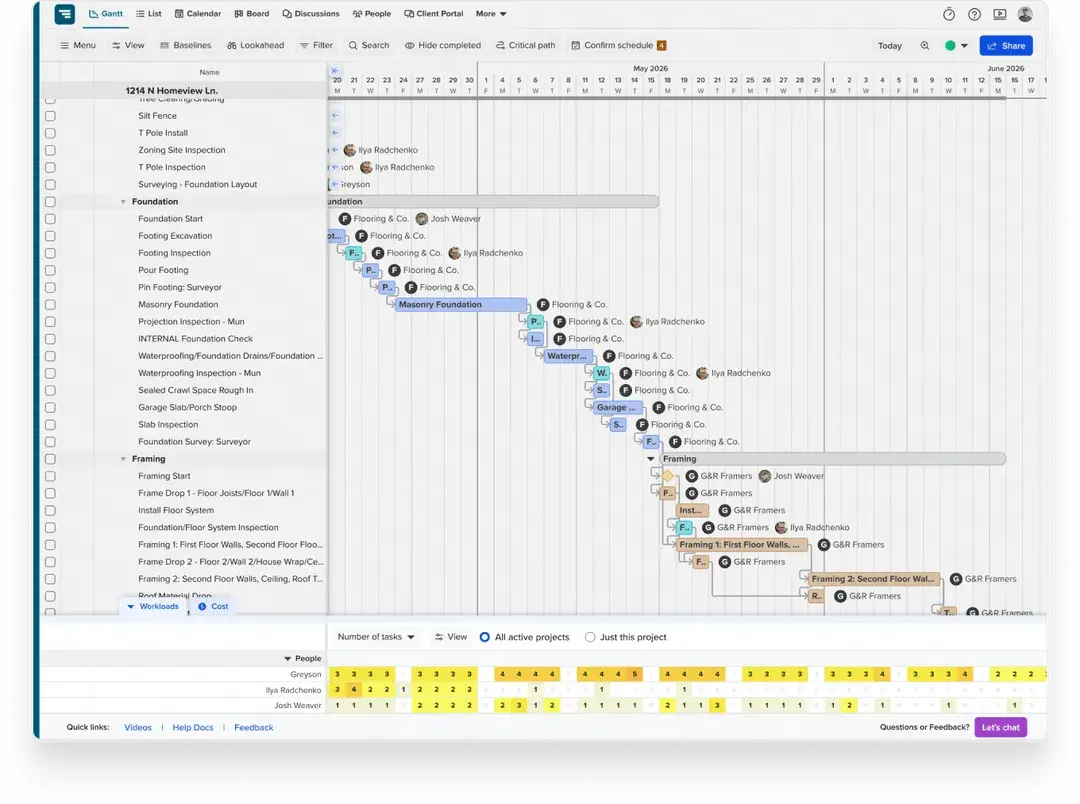
TeamGantt puts a live Gantt chart at the center of every job so everyone knows what happens next when the schedule shifts.
Start your free 14-day trial







Microsoft Planner works fine for task lists—until a start date moves and the rest of the schedule doesn’t.








When a job shifts, the schedule should reflect what’s actually
happening so everyone knows who’s up next.
TeamGantt handles that
automatically—one update and the whole job stays in order.

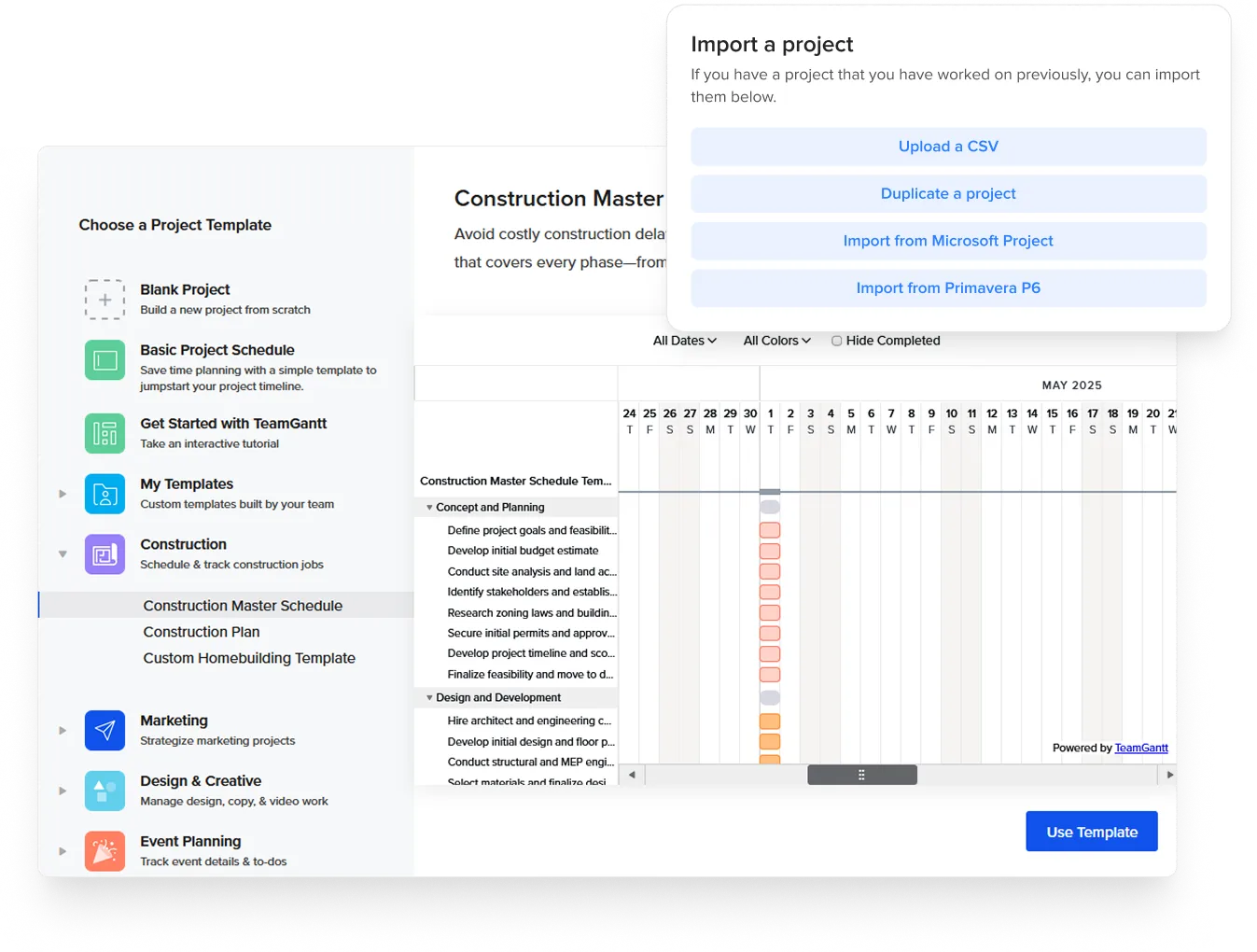
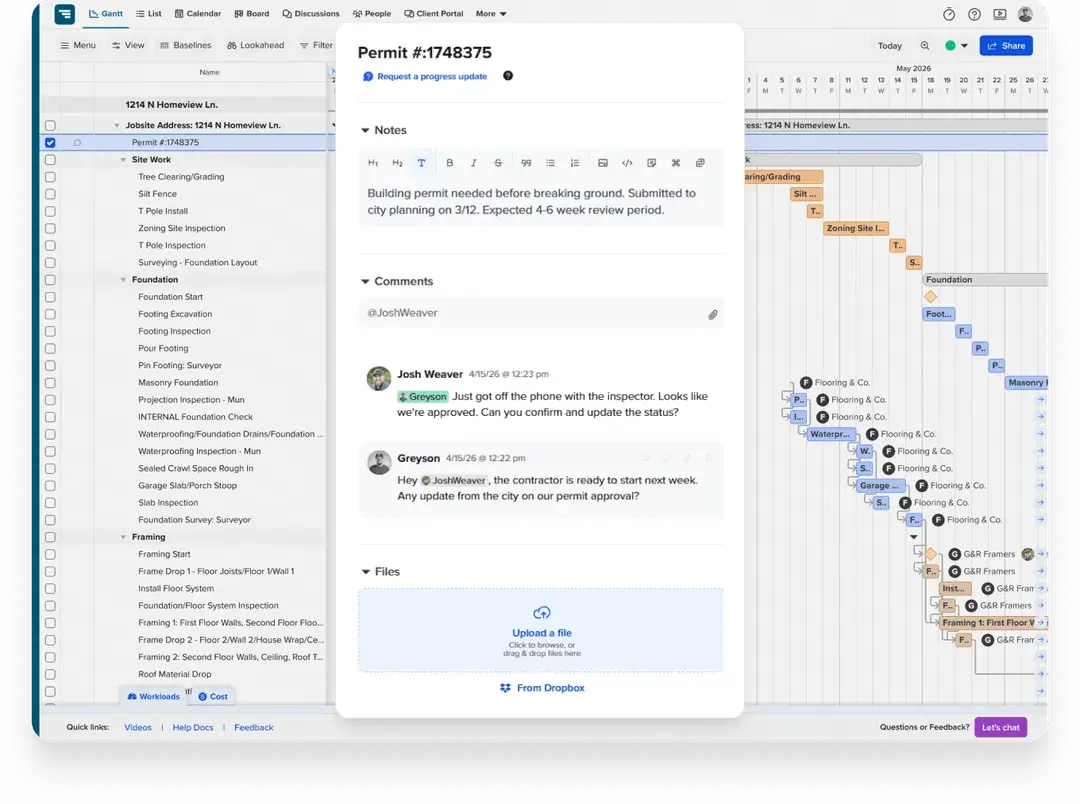
TeamGantt integrates with the tools residential builders already use—including Microsoft Project, Excel, Google Calendar, Dropbox, and Zapier. Import an existing schedule, sync your calendar, or connect your workflow tools without rebuilding your process.
TeamGantt is built to run your schedule. Microsoft Planner is built to
manage tasks.
Here’s how they compare on the decisions that
matter most for home builders.


Use this checklist to choose the tool that fits your construction workflow.


Yes. TeamGantt is built for how residential construction teams actually run jobs—sequencing trades, coordinating subs, and keeping schedules aligned across multiple projects. It gives builders a live schedule that’s easy to update, share, and act on without extra setup or friction.
If schedule slippage is your biggest risk, TeamGantt is the more focused tool.
Not in the version included with standard Microsoft 365 plans. The basic Planner experience is built for task lists and boards.
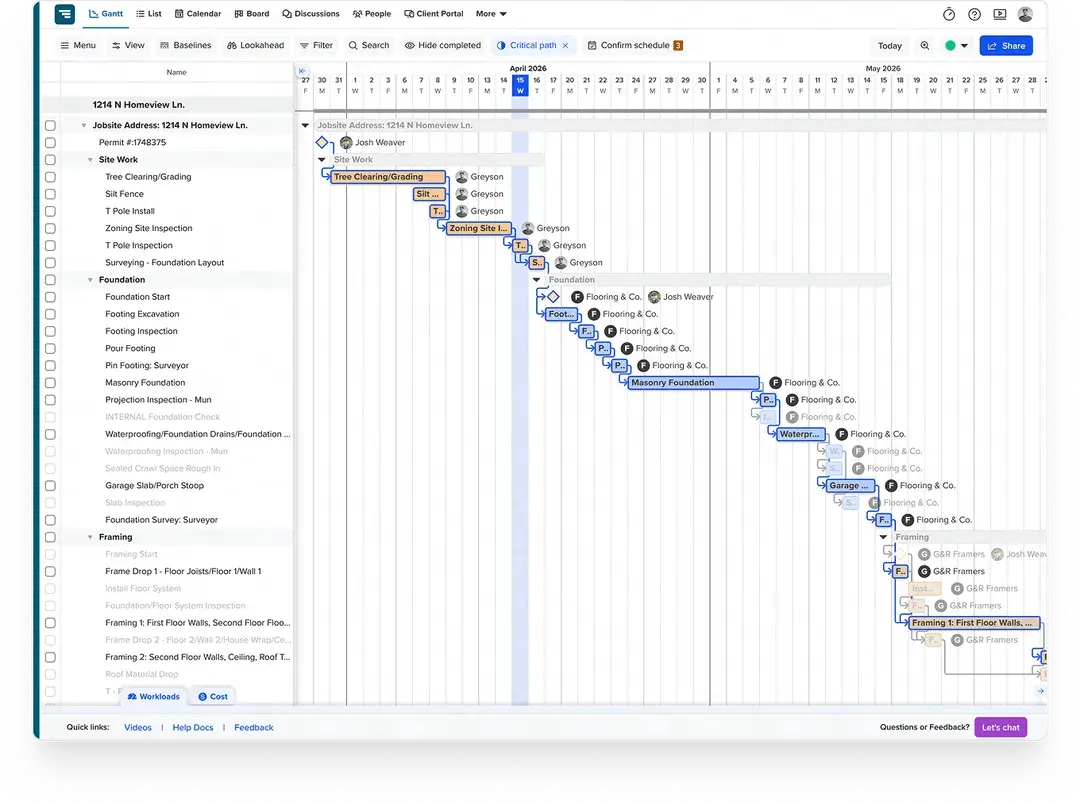
To access the Timeline (Gantt) view, dependencies, and critical path, you need a paid upgrade—starting with Planner Plan 1 ($10/user/month). More advanced features like baselines require higher-tier plans such as Plan 3 ($30/user/month).
In TeamGantt, the Gantt chart isn’t an add-on. It’s the core of the product, included from the start.
Not in Microsoft Planner. External users have to be invited and sign in with a Microsoft account, and access depends on your organization’s settings—so it’s not a simple public link.
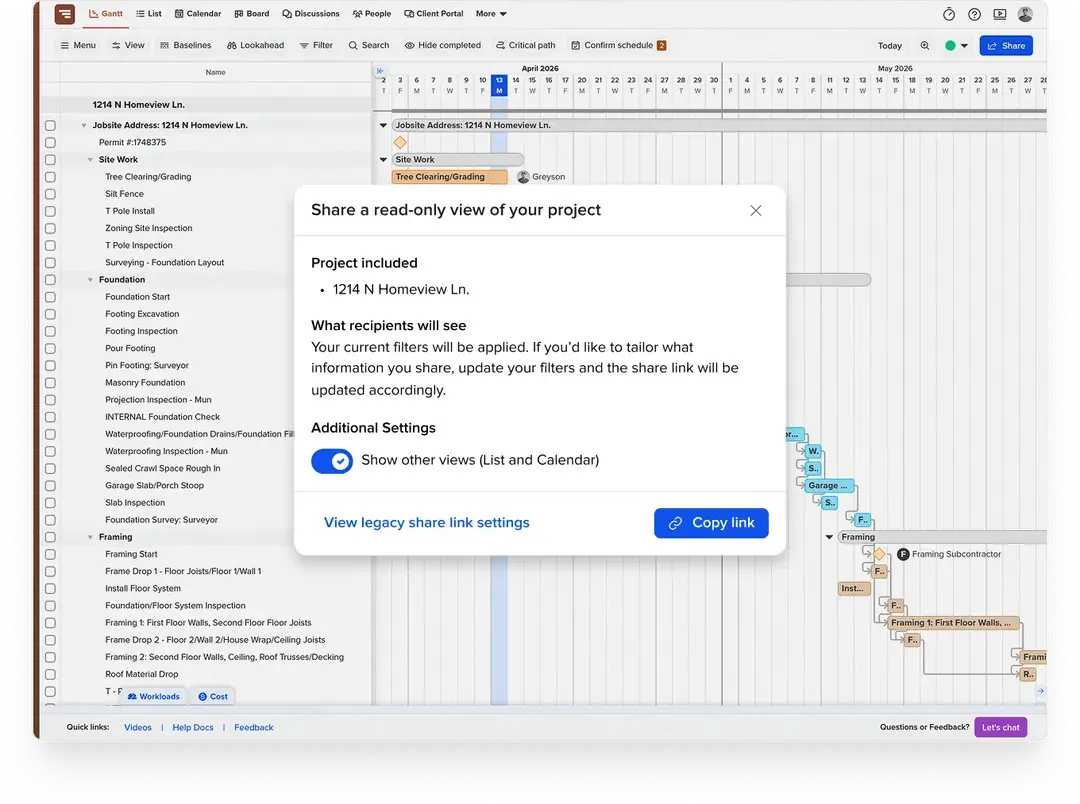
In TeamGantt, you can send a view-only link. Subs and homeowners see the live schedule instantly on any device without a login, Microsoft account, or paid seat. Subs can also confirm their dates directly from an email or text—no app required.
Microsoft Planner’s basic task management is included with Microsoft 365—but scheduling features are paid upgrades. Timeline view and critical path require Plan 1 ($10/user/month), while features like baselines require Plan 3 ($30/user/month). For a team of five needing full scheduling features, that’s up to $150/month.
TeamGantt Builder Edition is a flat $199/month with unlimited collaborators. All core scheduling features—like dependencies, baselines, and critical path—are included from the start, without managing per-user licenses as your team or projects grow.
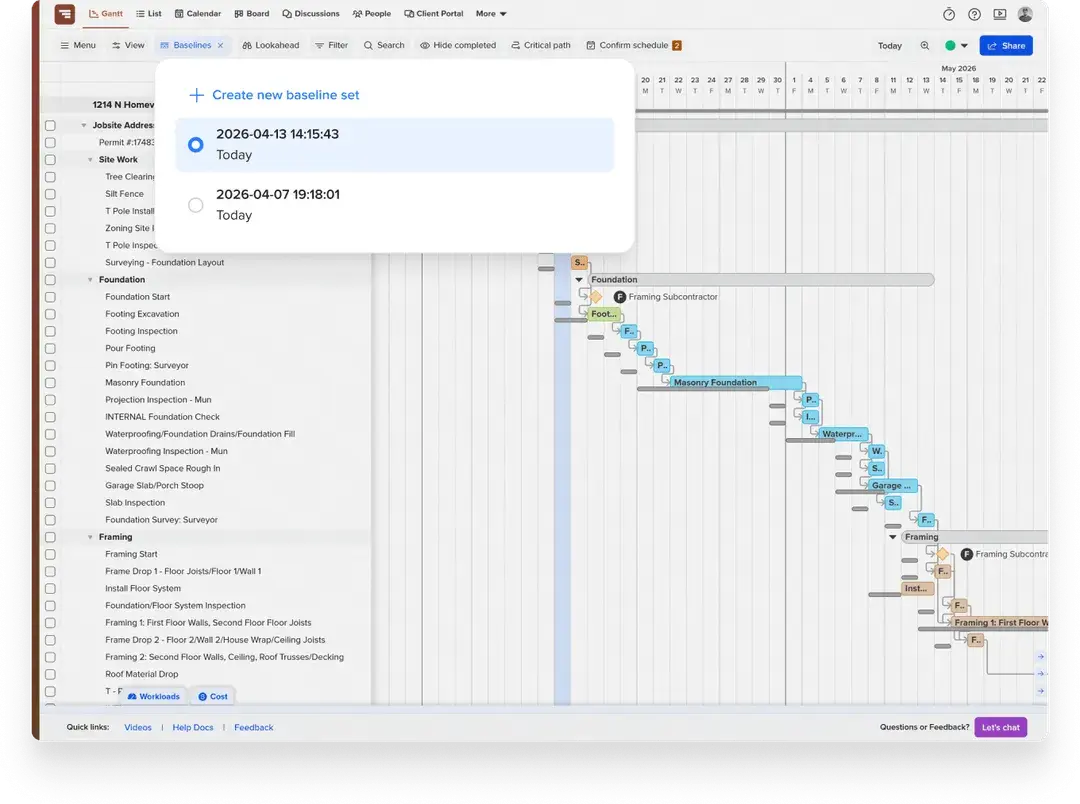
For construction scheduling, yes—in many ways, more so. TeamGantt includes unlimited baselines, while Microsoft Planner Premium is limited to one. Features like subcontractor confirmations, lookahead planning, and material lead time tracking are built specifically for residential construction. Planner Premium is a general project management tool—not construction-native.
Where Planner Premium goes further is Microsoft ecosystem depth. If your priority is tight integration with Teams, SharePoint, and other Microsoft tools, it has a clear advantage. But for running a job site, TeamGantt’s specialized features are often the better fit.
It’s a fast transition. While there isn’t a one-click sync from Planner, you can export your tasks to Excel and import them into TeamGantt in minutes. Most builders start with a template—or use our AI Project Builder—and have a shareable schedule ready within a day.
There’s no lengthy implementation, no dedicated admin required, and no formal training needed to get your team up and running.
Yes. Many teams keep Microsoft Teams for communication—messages, file sharing, and meetings—and use TeamGantt as the scheduling layer. You don’t have to choose between them.
TeamGantt doesn’t replace Teams. It adds the schedule system your jobs run on, without changing how your team communicates day to day.
No. Microsoft Planner is not being retired or deprecated. In fact, Microsoft is expanding Planner and positioning it as its main tool for task and project management across Microsoft 365.
As part of that shift, older tools like Microsoft Project for the Web and Microsoft Project Online are being phased out, with their features moving into Planner’s premium plans.
For builders, that means more functionality is being added—but often through additional licensing layers. If your focus is running a clear, reliable construction schedule, a dedicated tool like TeamGantt can be simpler to adopt and manage.