
TeamGantt AI Assistant
Get your schedule back on track in a sentence
Meet your new project sidekick. Ask what’s late or tell it what moved. It updates the plan and runs big changes by you first.
Now in beta
Trusted by 20,000+ teams







Find answers, fix issues, and get on with your day
- 01
Spot trouble before it spreads
Ask “What’s overdue, and what’s on the critical path?” Get a straight answer without digging through the schedule.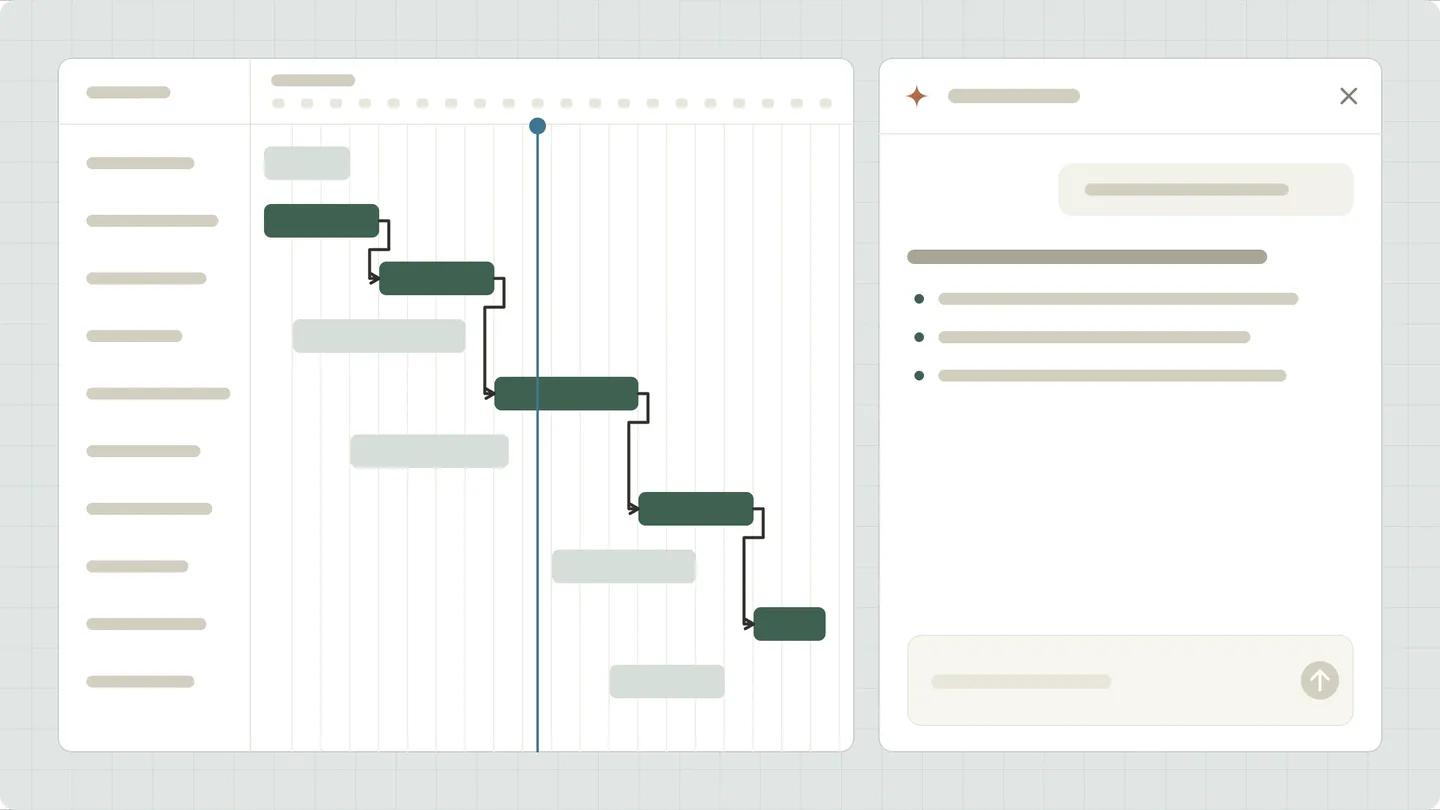
- 02
Update several tasks in one go
Skip the task-by-task updates. Type “Mark copy complete, push the landing page back 2 days, and set QA to 25%.”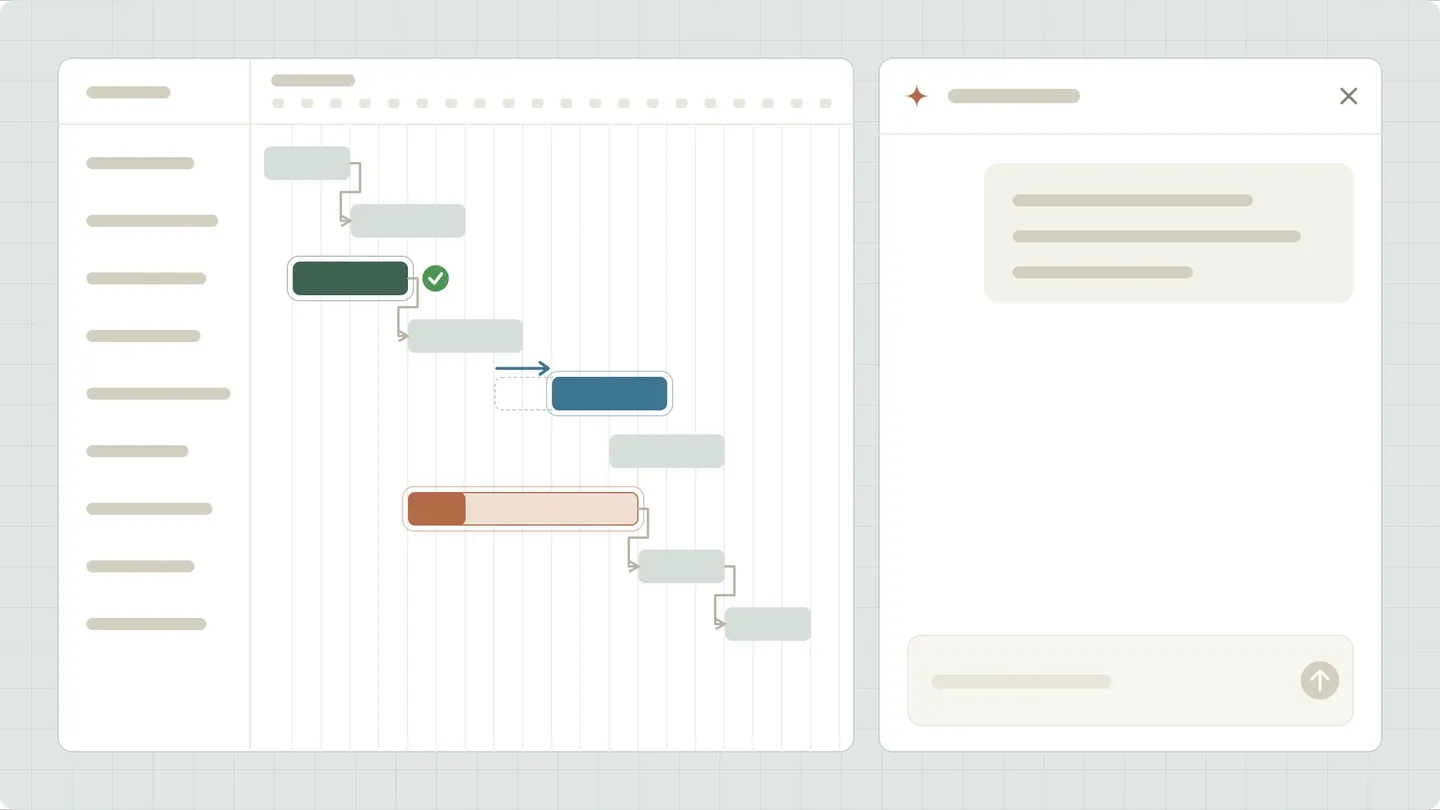
- 03
Turn an idea into a timeline
Ask AI Assistant to “Create a plan for an office move starting next month.” Get groups, tasks, dates, and dependencies you can adjust.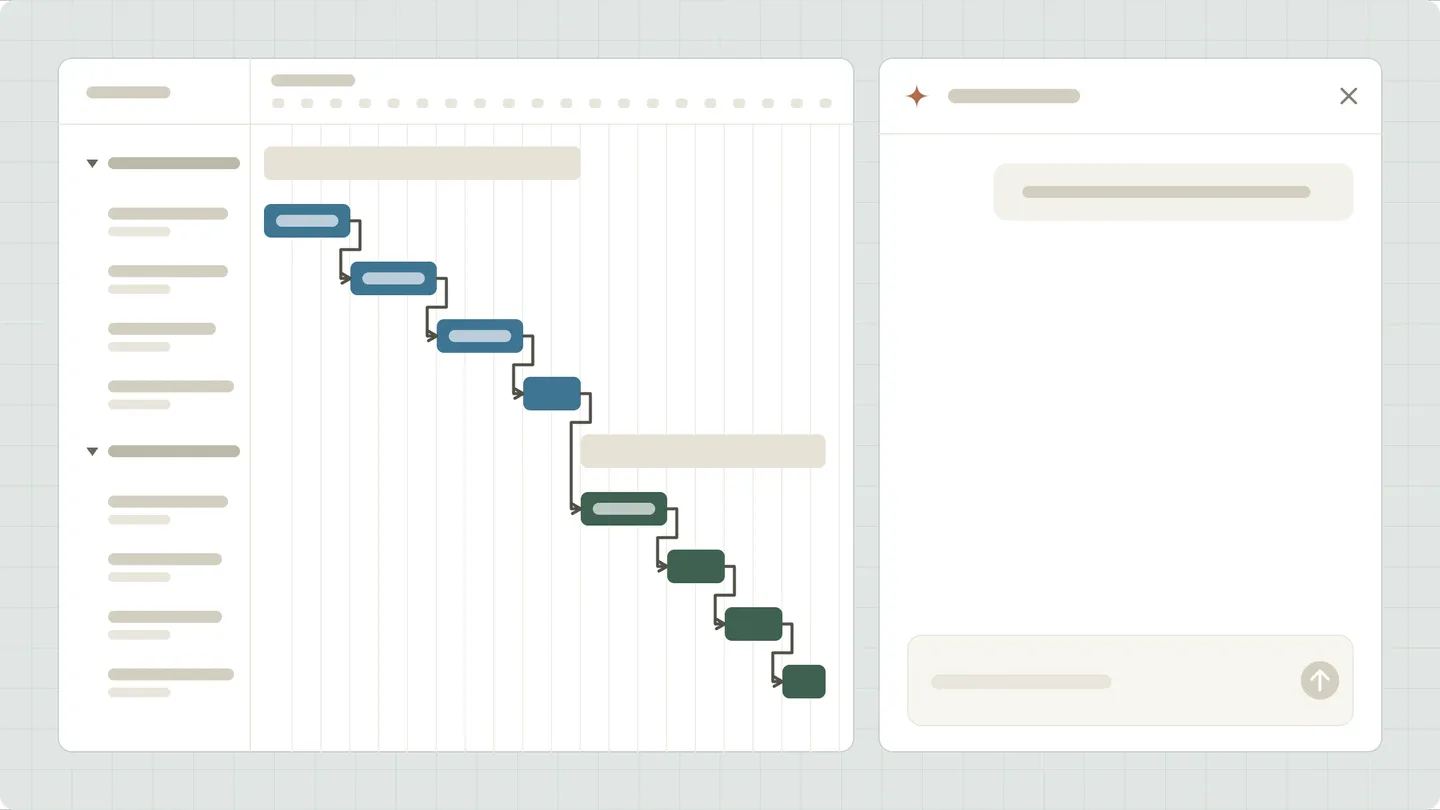
- 04
Fit your plan to the deadline
Tell AI Assistant “We need to finish by August 28.” It adjusts task order and duration to fit your date without deleting tasks.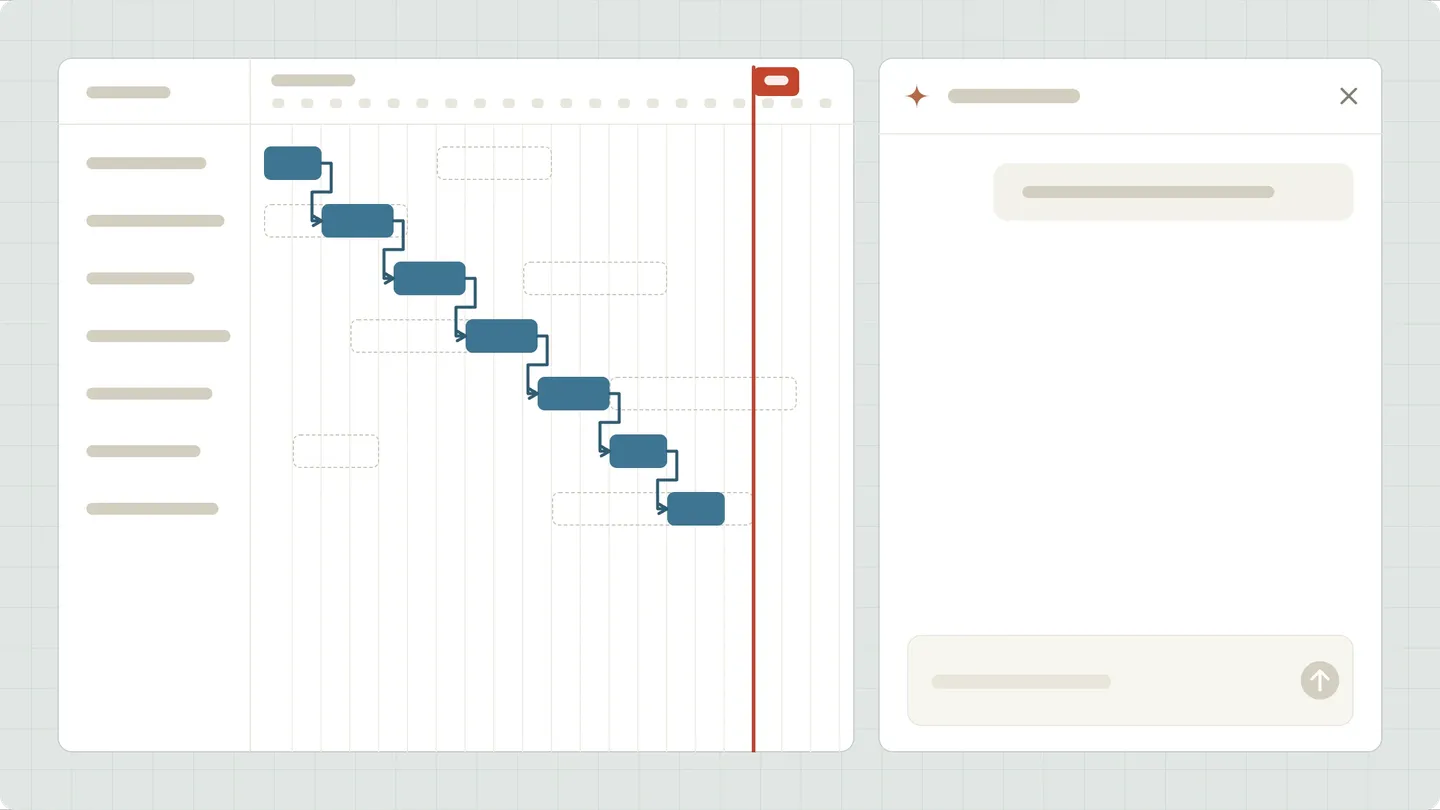
- 05
Approve edits. Undo if needed.
For changes across several tasks, choose Apply changes or Cancel. Changed your mind? You have 7 days to reverse most edits with Undo this change.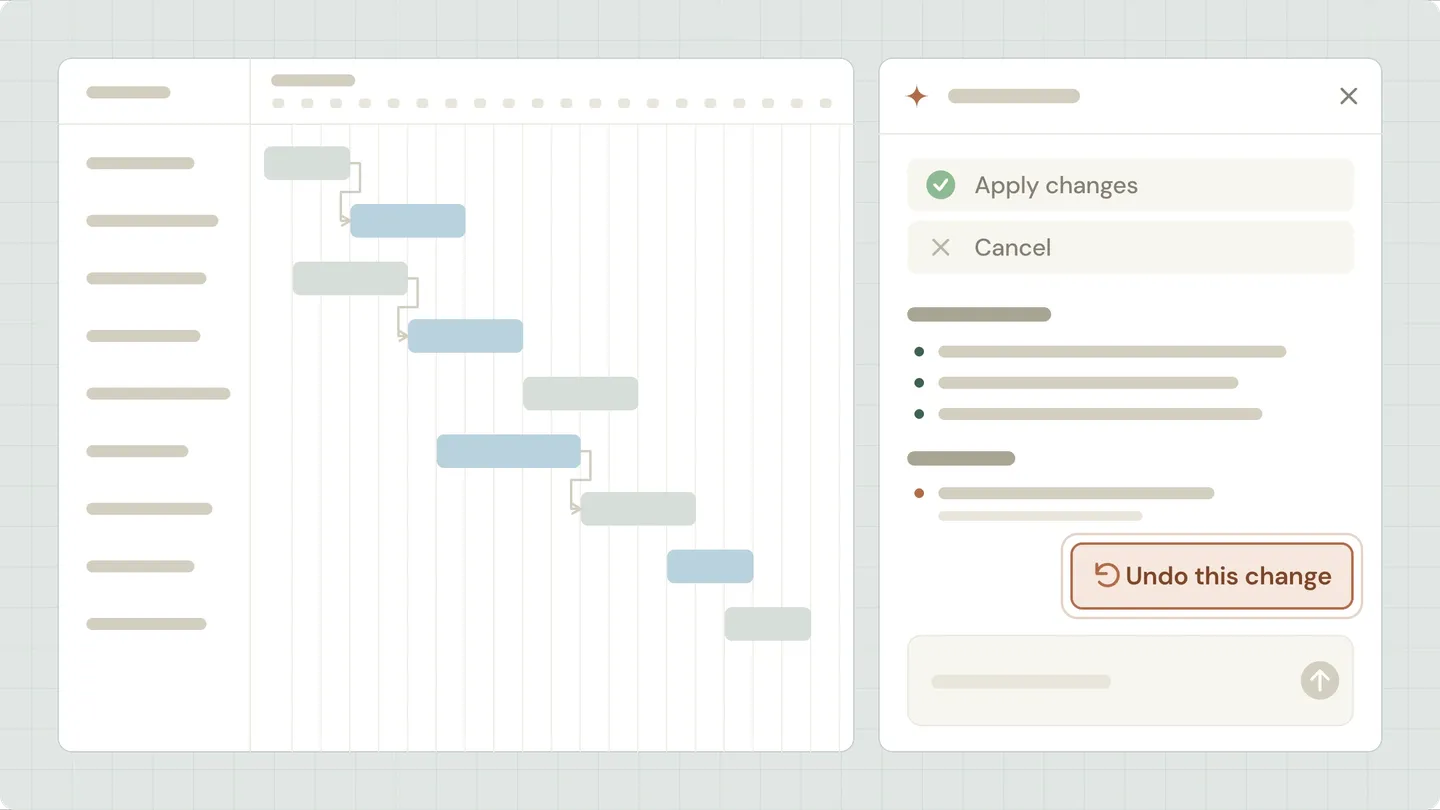
Why teams choose TeamGantt for project scheduling
Easy to use
Skip the complexity and high cost of traditional software.Schedule-first design
Your project runs from the Gantt chart, so the schedule drives every decision.Connected to everyone
Teams, clients, and subs all work from the same live plan.Built for how you work
“Push everything 1 week” shifts the plan, and you decide what sticks.
Real reviews from real customers
“Everything was very clear, everything was organized and easy to use. So I highly recommend TeamGantt. It's great.”
Alex Greenberg
Head, NGX Interactive
“I recommend TeamGantt to people who want a relatively simple tool. It's simple to get started and easy to use and it has a lot of flexibility.”
Pieta Balkely
Head, Blakely Consulting, LLC
“TeamGantt has allowed us to create a better workflow and account for dependencies and unexpected delays.”
Liana Simstrom
Supervising Producer, NPR
Features that pick up where the chat leaves off
Drag-and-drop scheduling
Fine-tune any date by hand after AI Assistant makes a change.Task dependencies
Move one task, and linked work shifts right along with it.Custom lead/lag time
Set overlap or wait time between linked tasks to match real handoffs.Critical path analysis
See which tasks set the finish date before you ask for a shift.Milestone tracking
Mark permits, approvals, and client deliverables on the timeline.Baseline reporting
Compare planned dates against actuals after the plan shifts.Project health report
Spot projects that are behind or overdue at a glance.Global workloads
See who’s overbooked before it slows the schedule.Activity log
Review a play-by-play of project changes, with its own undo links.Print-friendly PDFs
Share or archive timelines as clean, print-ready PDFs.Project templates
Save proven plans that AI Assistant can turn into new projects.Custom fields
Track the project details that matter to your team.
Integrations
Fits right into your workflow
Integrate with your favorite apps to keep teams aligned and schedules in sync.
More ways to keep every project moving
- Learn more
Project scheduling
Build the plan you'll baseline, with dates and dependencies that hold together. - Learn more
Project tracking
Know where every project stands without having to ask around. - Learn more
Resource management
Balance the workload before anyone on the team gets buried. - Learn more
Task management
Make sure everyone knows what’s theirs and when it’s due.
See what AI Assistant can take off your plate
Book a demo to see how AI Assistant works, or reach out to get in on the beta.