Prevent delays and cost overruns with easy tools that give you clear control of project schedules.
Unlock all features free for 14 daysGenerate a free Gantt chart online







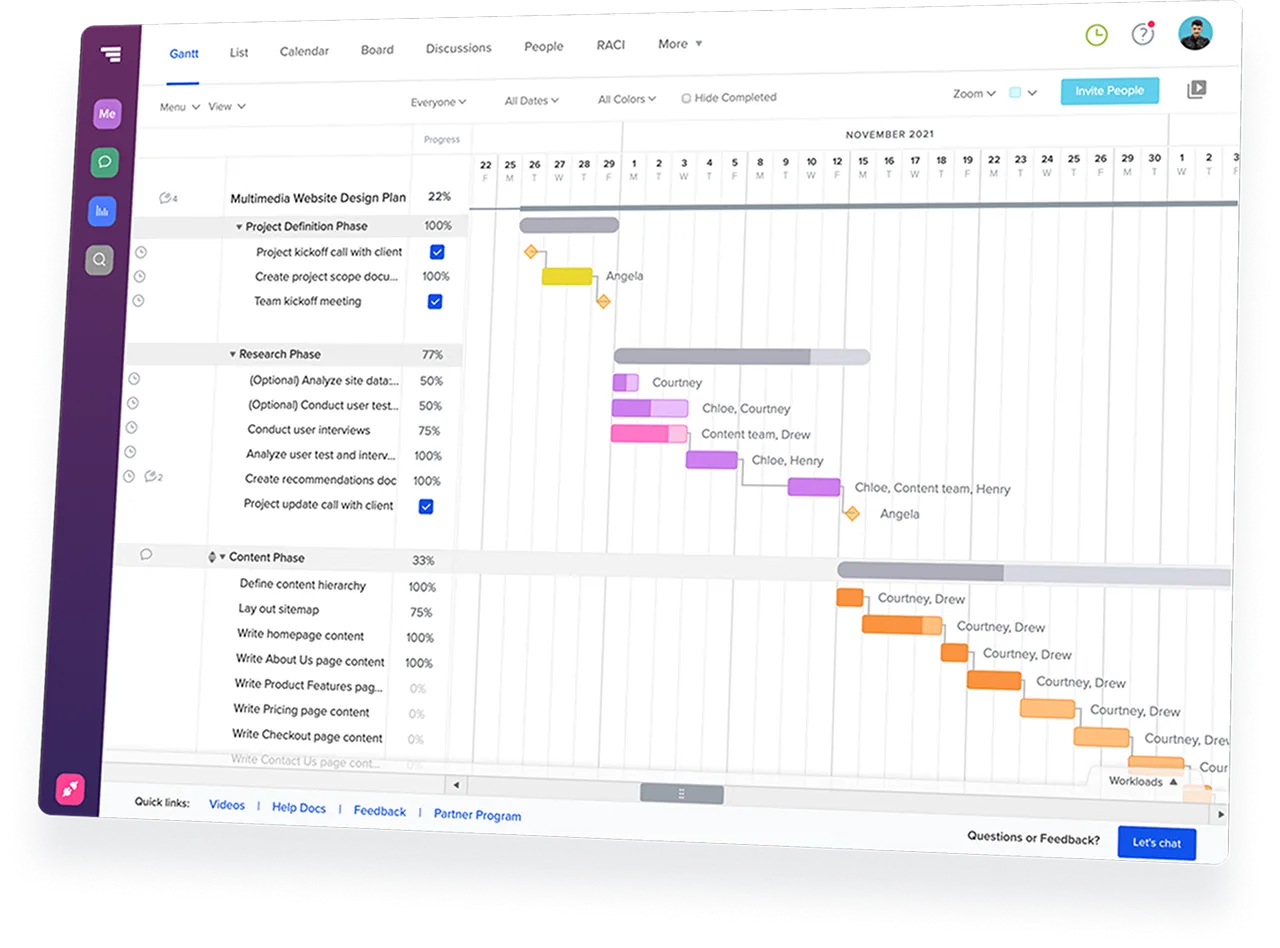
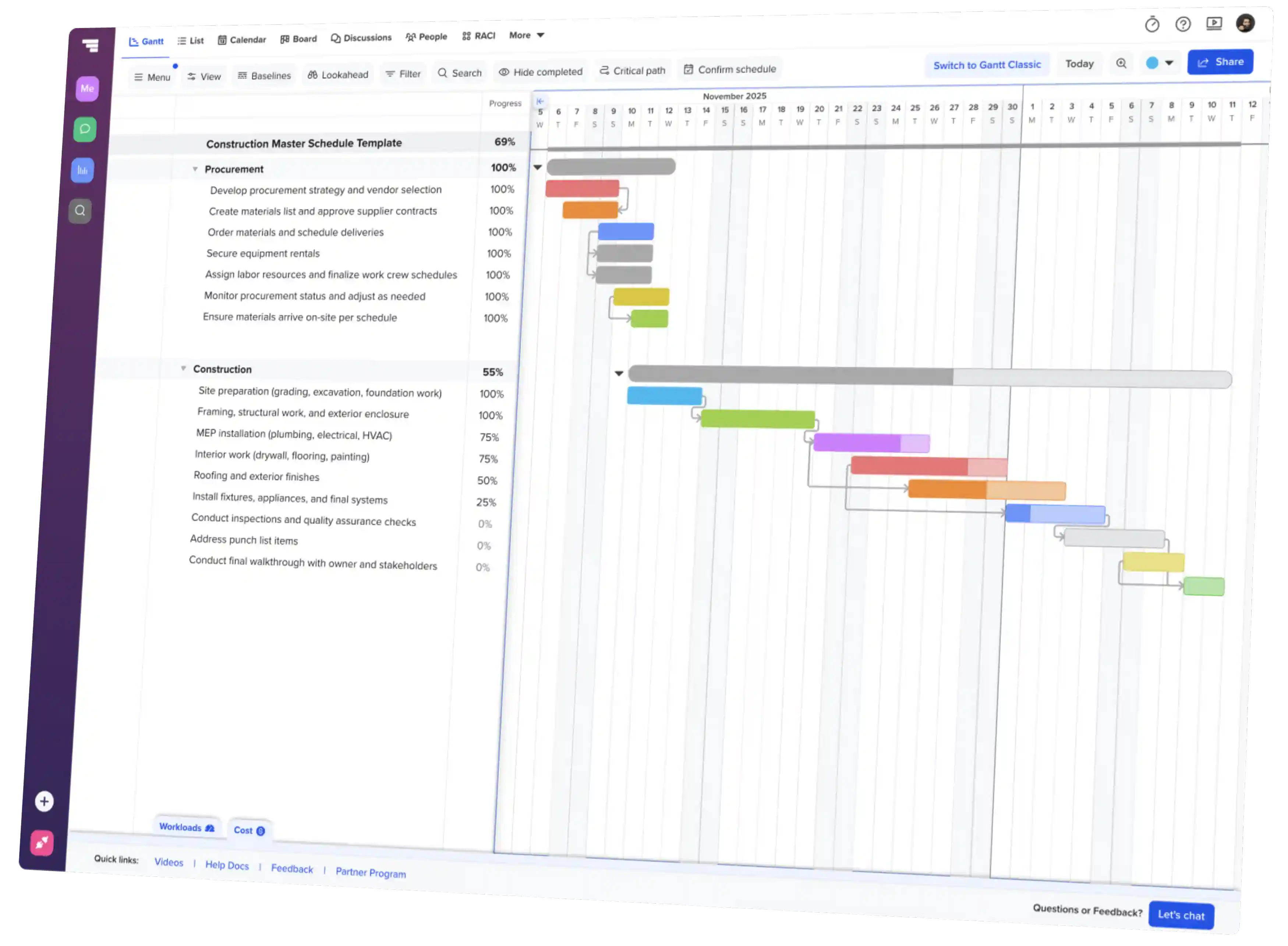
TeamGantt is web-based scheduling software that keeps your plan, people, materials, and deadlines aligned on one shared Gantt chart.
TeamGantt makes it easy to manage everything in one place—from building timelines to navigating project changes.
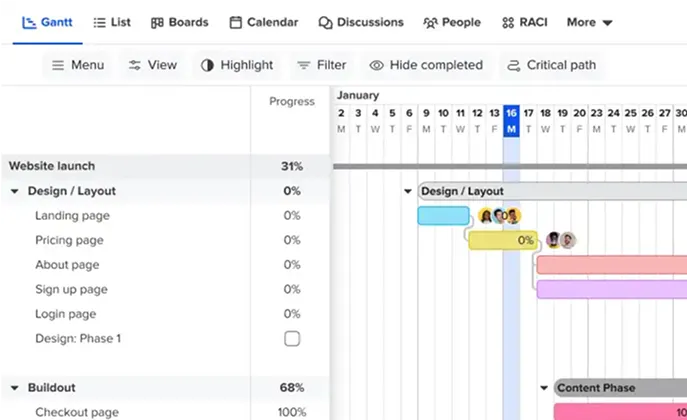
Map every task, resource, and dependency on a Gantt chart—right in your browser.
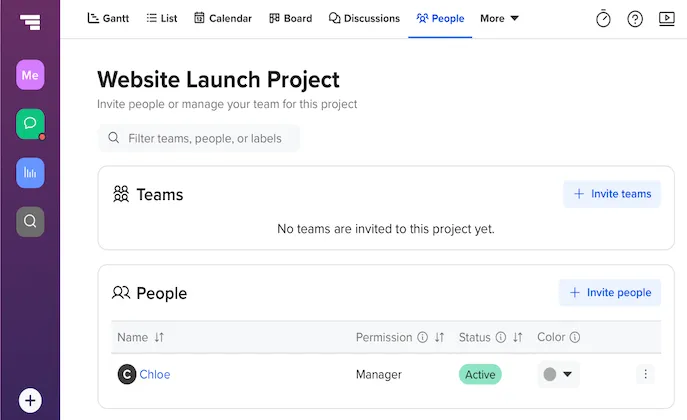
Type a quick promptInvite teammates, clients, and subcontractors to view or collaborate on the live schedule.
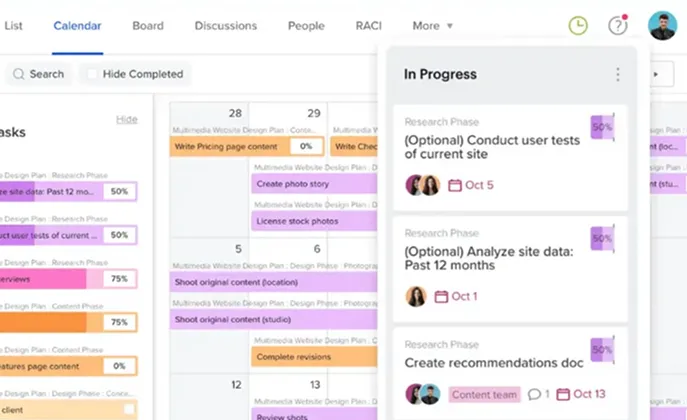
Update timelines, workloads, and progress so everyone stays aligned as plans evolve.
Discover easy online tools that help your team schedule and manage projects with confidence.
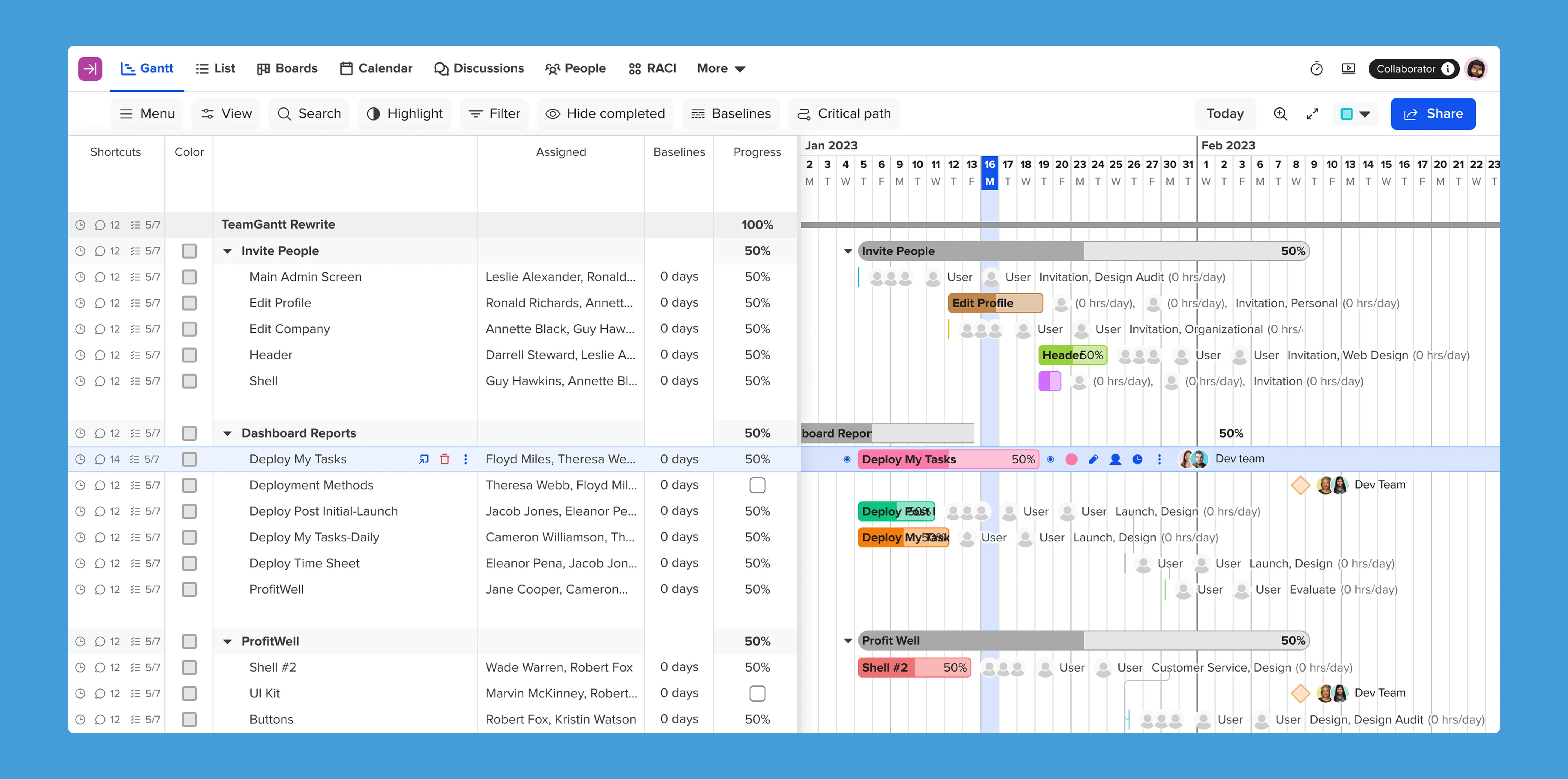

TeamGantt makes it easy to bring your projects over—so you can hit the ground running and keep teams on track.
Import your first project

TeamGantt takes a fresh approach to project software—putting clarity, simplicity, and real results first.






Import schedules from Procore, P6, or Microsoft Project. Sync Trello
or Basecamp tasks into a visual timeline in TeamGantt.
Streamline
collaboration with Slack, Calendar feeds, or Dropbox. Automate
workflows with Zapier or the TeamGantt API.







A Gantt chart is a visual project timeline that shows tasks, deadlines, and dependencies so your team can stay on track.
Look for features that make planning and collaboration easy:
No. TeamGantt is entirely browser-based, so there’s nothing to install. You can access your project schedule from any computer or device with internet access.
Yes. TeamGantt offers mobile apps for iOS and Android so you can check progress, assign tasks, and make schedule updates on the go.
TeamGantt integrates with tools like Slack, Trello, Procore, Google Calendar, Zapier, and more. You can also build your own connections using our public API.
Yes. Upload a CSV from Excel or Google Sheets, or import Microsoft Project (MPP) and Primavera P6 files to get started fast.
Absolutely. Download your timeline as a PDF or CSV, or share a view-only link so clients, execs, or subcontractors can check status anytime.
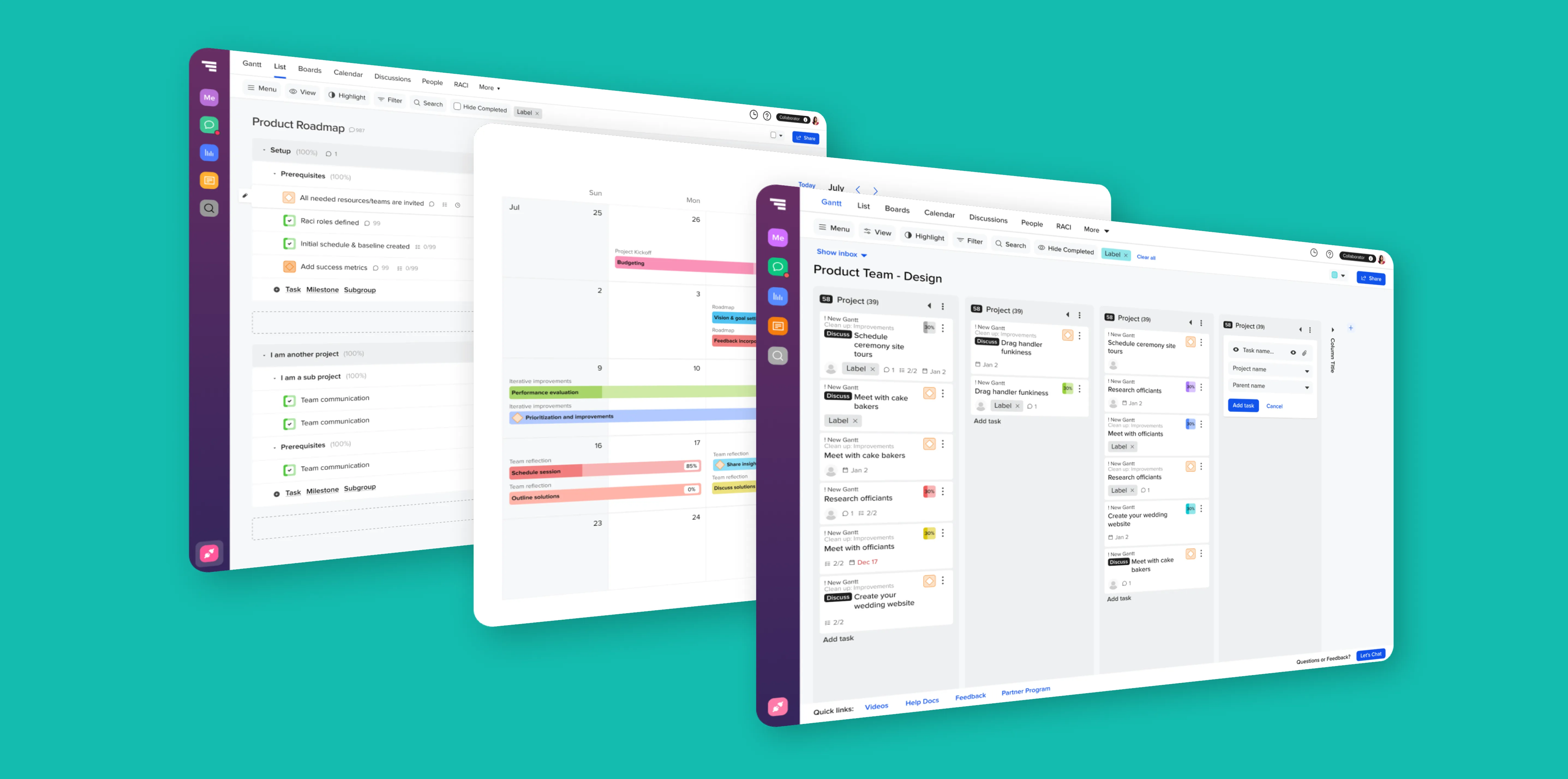
TeamGantt is centered around the schedule. The Gantt chart isn’t an add-on view—it’s the engine that drives the project. It’s easy to use, so you can drag and drop changes in seconds. And it keeps everyone connected with real-time views that stay in sync (Gantt, board, list, and calendar).
Yes. Choose a template for common project types—like construction, product launches, or events—then customize tasks and dates to fit your schedule.
Yes. TeamGantt offers a free 14-day trial of any paid plan, with full access to every feature in the plan you choose. A credit card is required to start.
When the trial ends, you'll be automatically billed for the plan you trialed.
You can cancel anytime or downgrade to the TeamGantt Personal plan, which is free forever and includes 1 user, 1 project, 40 tasks, and basic Gantt chart features.